Everything ASO Intelligence does, in plain English.
Start with the eight features people use most. Below them, everything else is grouped by the job it helps with, one sentence each, with the plan that includes it and where its limits are.
Start here
Find My Competitors
One button shows the apps you're really up against: the ones in the top 10 for your keywords, the ones Apple lists next to you, and the top of your category chart, each with the reason.
Intelligence Engine
Recommended Keywords
A short list of the keywords worth using, sorted into title, subtitle and keyword field, and one tap turns it into a draft that fits Apple's limits.
Intelligence Engine
Why did I drop?
When you slip for a keyword, it shows which apps moved above you and what they changed around the same time.
Intelligence Engine
Competitor change feed
Every day it checks the competitors you watch and lists what they changed: title, subtitle, icon, screenshots, prices, in-app purchases and In-App Events.
Intelligence Engine
Listing health score
One score for your whole listing (search words, keyword field, description and screenshot captions), with each weak spot named.
Free score, fix list on Intelligence Engine
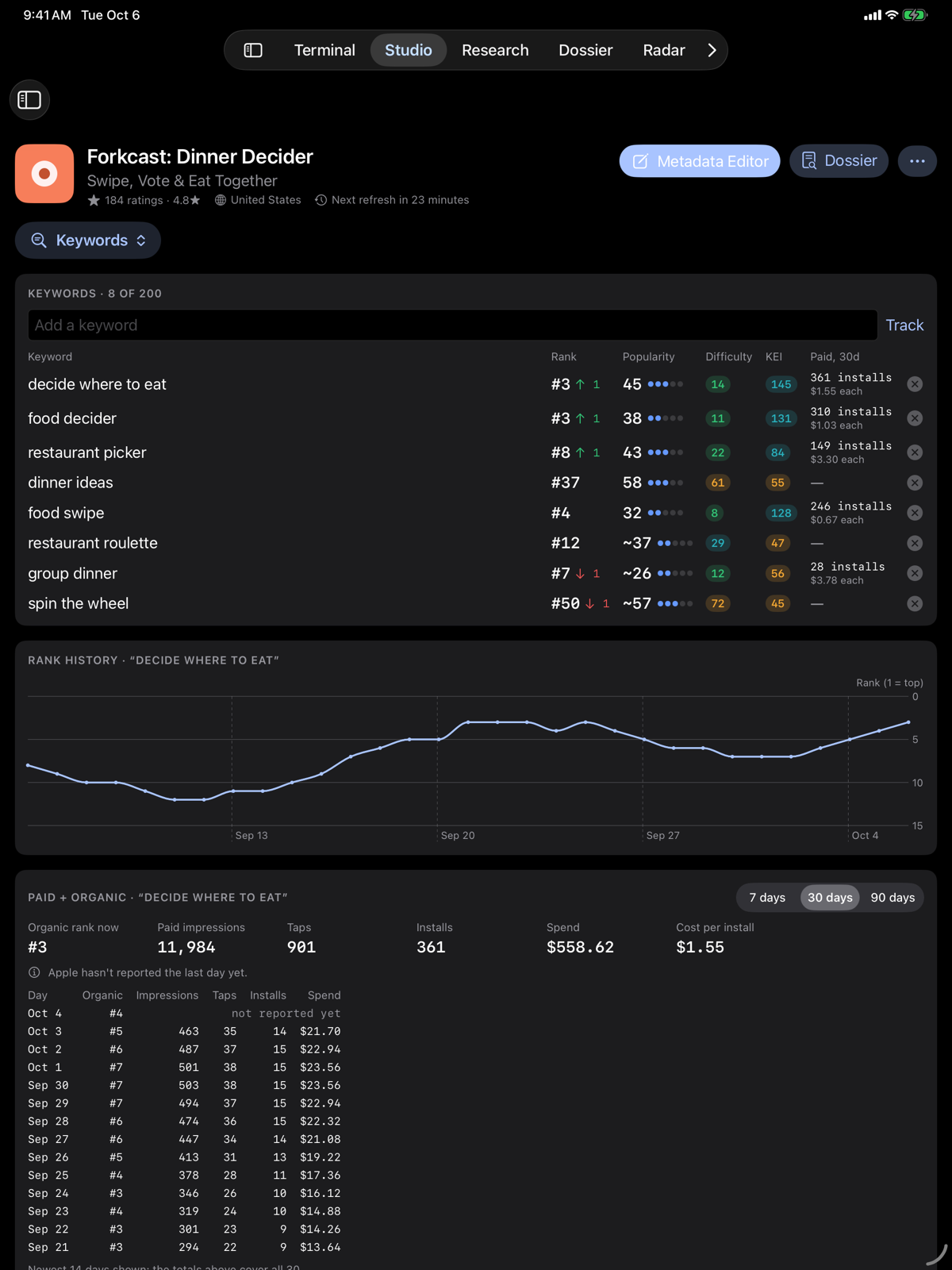
Paid vs organic
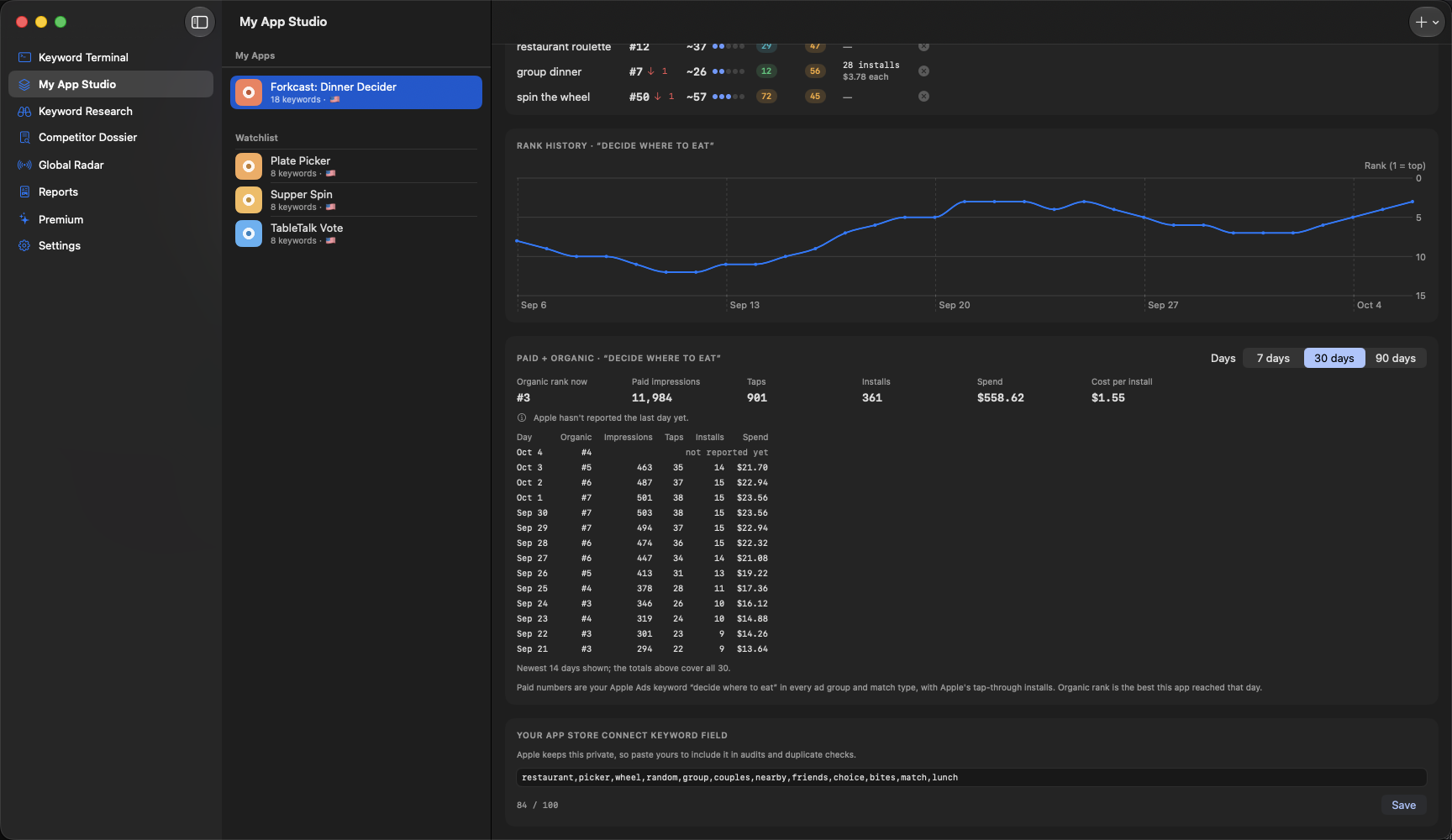
For a keyword you advertise on, an estimate of how many downloads came from Apple Ads and how many came from regular search.
Intelligence Engine
Portfolio
Every one of your apps on one screen: ratings, top-10 keywords, rank moves, to-dos, and which one needs a look first.
Free
ASO School
Eight short lessons that teach App Store Optimization using your own app's numbers.
Free
Keywords
Find the searches worth fighting for.
Score any search, see what your competitors already rank for, and get a plain list of what to use.
- Keyword Terminal
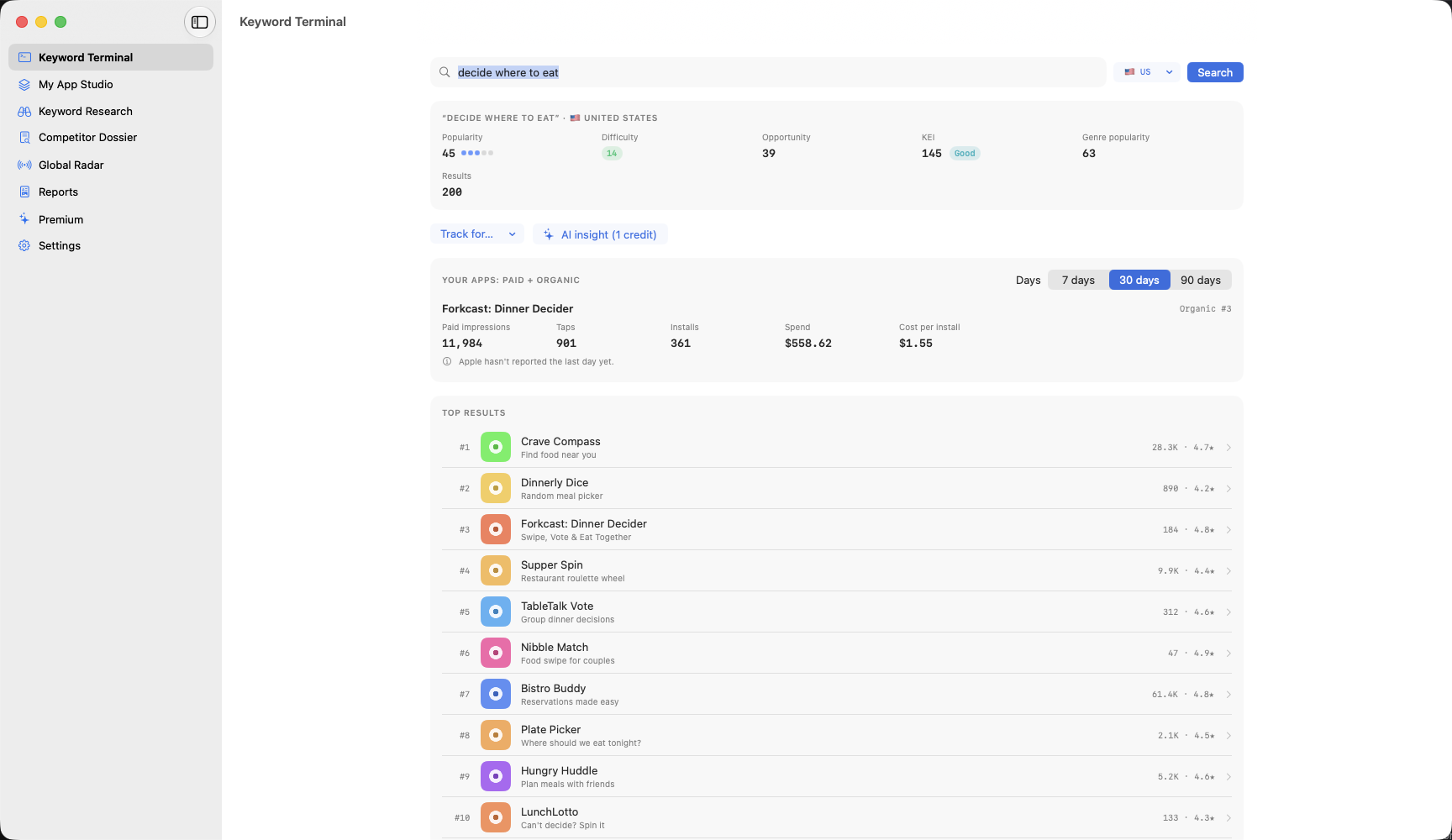
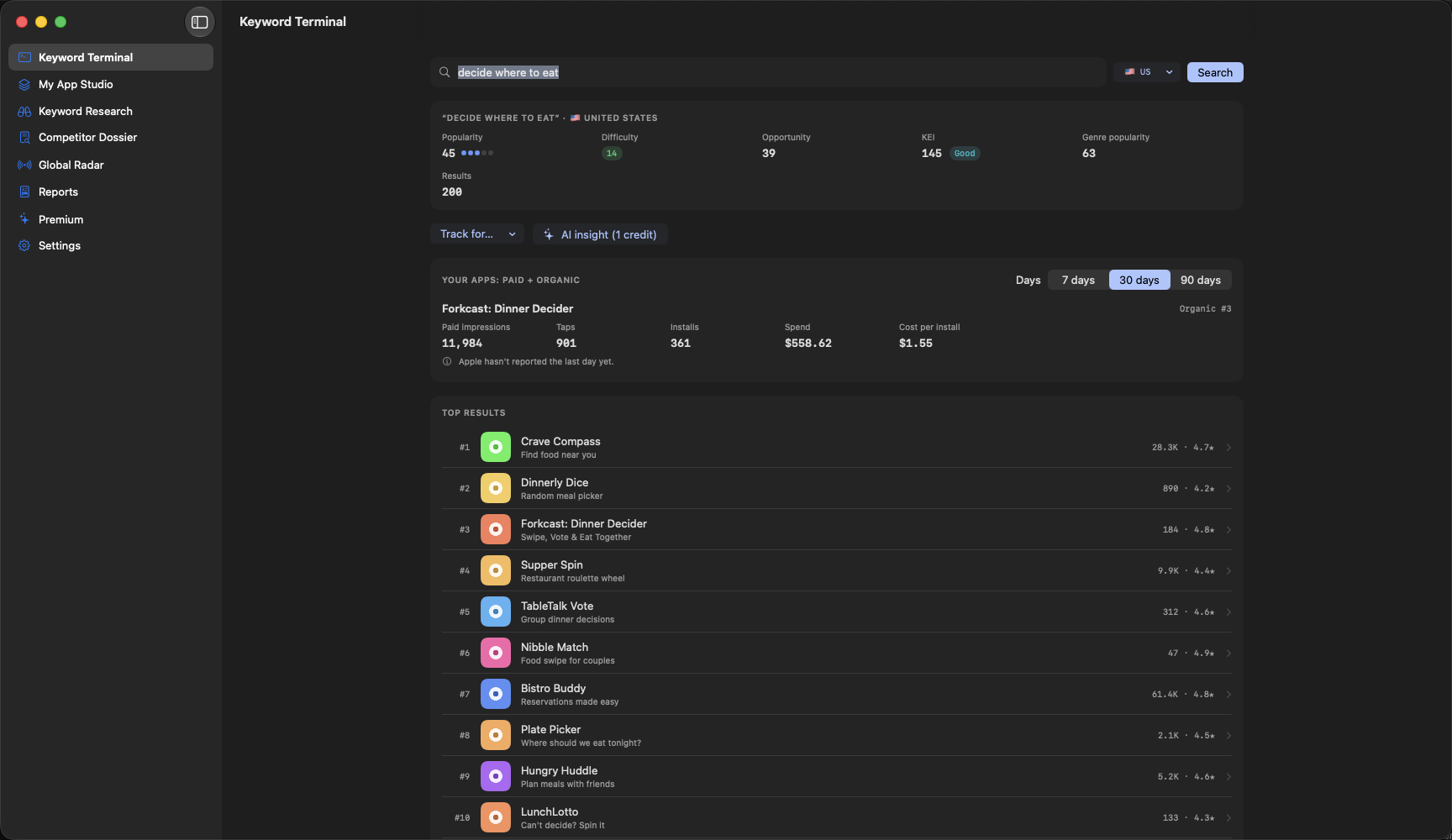
- Type any search and see how often people search it, how hard it is to rank for, and one score (KEI) for sorting a long list. Free
- Recommended Keywords
- A short list of the keywords worth using, sorted into title, subtitle and keyword field, and one tap turns it into a draft that fits Apple's limits. Intelligence Engine
- Keyword gaps
- The searches where a competitor you watch is in the top 50 and you're missing or far behind. Intelligence Engine
- Keyword suggestions
- New searches from Apple's own search suggestions, competitor listings and, if you ask, AI, each with the reason it was picked. Intelligence Engine
- Long-tail finder
- Longer, more specific searches with a top 10 you could realistically break into. Intelligence Engine
- Trending searches
- Once a week, what Apple's search suggestions newly add around your words. Intelligence Engine
- Keyword checkup
- Catches plurals and typos people search for, and on Intelligence Engine flags dead keywords, two of your own apps fighting over one search, and difficulty over time. Free, more on Intelligence Engine
- Rank tracking
- Your rank for every keyword, checked for you and charted over time. Daily free, every 6 hours on paid plans
- More countries
- Follow the same keywords in other countries' App Stores, all in one grid. 2 countries free, all on Intelligence Engine
- Seasonality calendar
- When each keyword's searches peak during the year, and which ones peak in the next six weeks. Intelligence Engine
Without Apple Ads, popularity is the app's estimate and is marked with ~. Connect your own Apple Ads account and you see Apple's own 1 to 100 score instead, which Apple updates weekly. Searches share Apple's limit of about 1,000 an hour, and your own refreshes go first. On iPhone and iPad, iOS decides when background refresh runs; Refresh Now works any time.
Keyword Efficiency Index
Strong demand, lower competition. Every term is color-coded so the good ones stand out in a long list.
KEI = popularity² ÷ difficulty
Competitors
Know what your competitors changed, and when.
Find who you're really up against, then let the app watch them for you every day.
- Find My Competitors
- One button shows the apps you're really up against: the ones in the top 10 for your keywords, the ones Apple lists next to you, and the top of your category chart, each with the reason. Intelligence Engine
- Competitor change feed
- Every day it checks the competitors you watch and lists what they changed: title, subtitle, icon, screenshots, prices, in-app purchases and In-App Events. Intelligence Engine
- Why did I drop?
- When you slip for a keyword, it shows which apps moved above you and what they changed around the same time. Intelligence Engine
- Screenshot compare
- When a competitor changes its screenshots, see the old and new side by side, slot by slot. Intelligence Engine
- Who's winning
- A weekly leaderboard of you against your competitors across your keywords, this week against last. Intelligence Engine
- New app alerts
- A heads-up when an app new to the top 10 shows up for one of your keywords. Intelligence Engine
- Price watch
- Tells you when a competitor changes its price or its in-app purchases. Intelligence Engine
- Release notes reader
- Every new version's notes from the apps you watch, with an AI summary of the month. Intelligence Engine
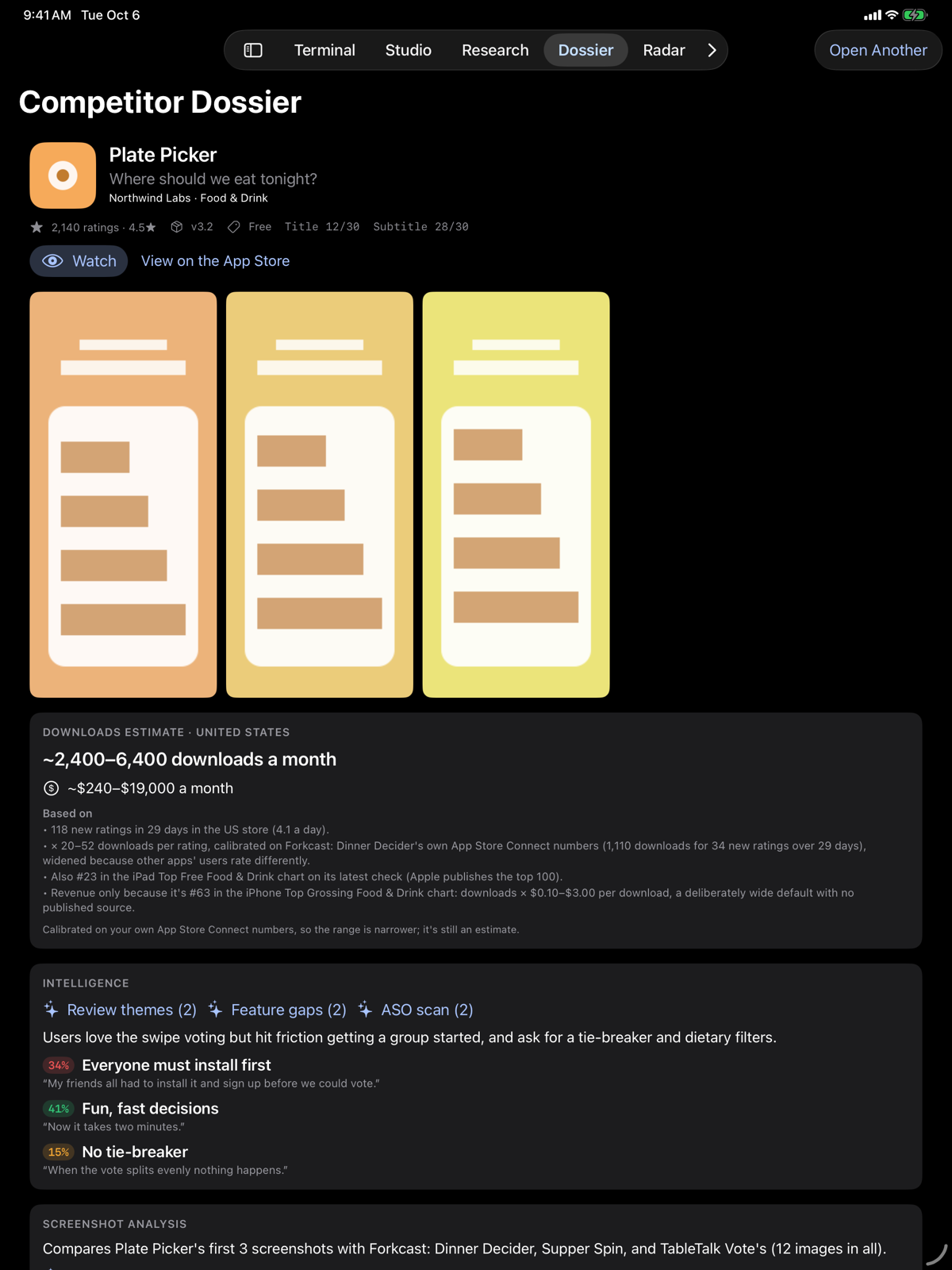
- Competitor Dossier
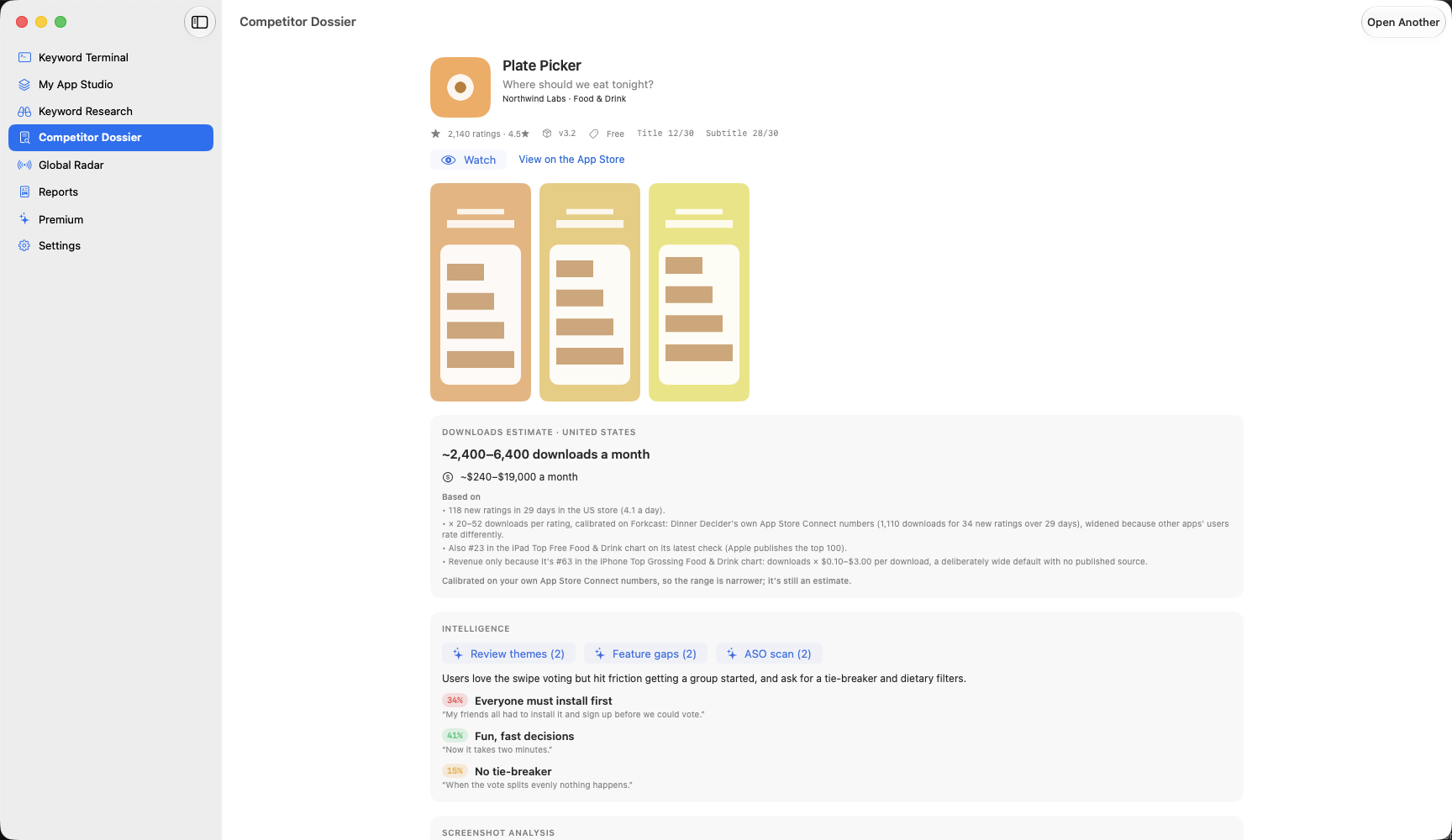
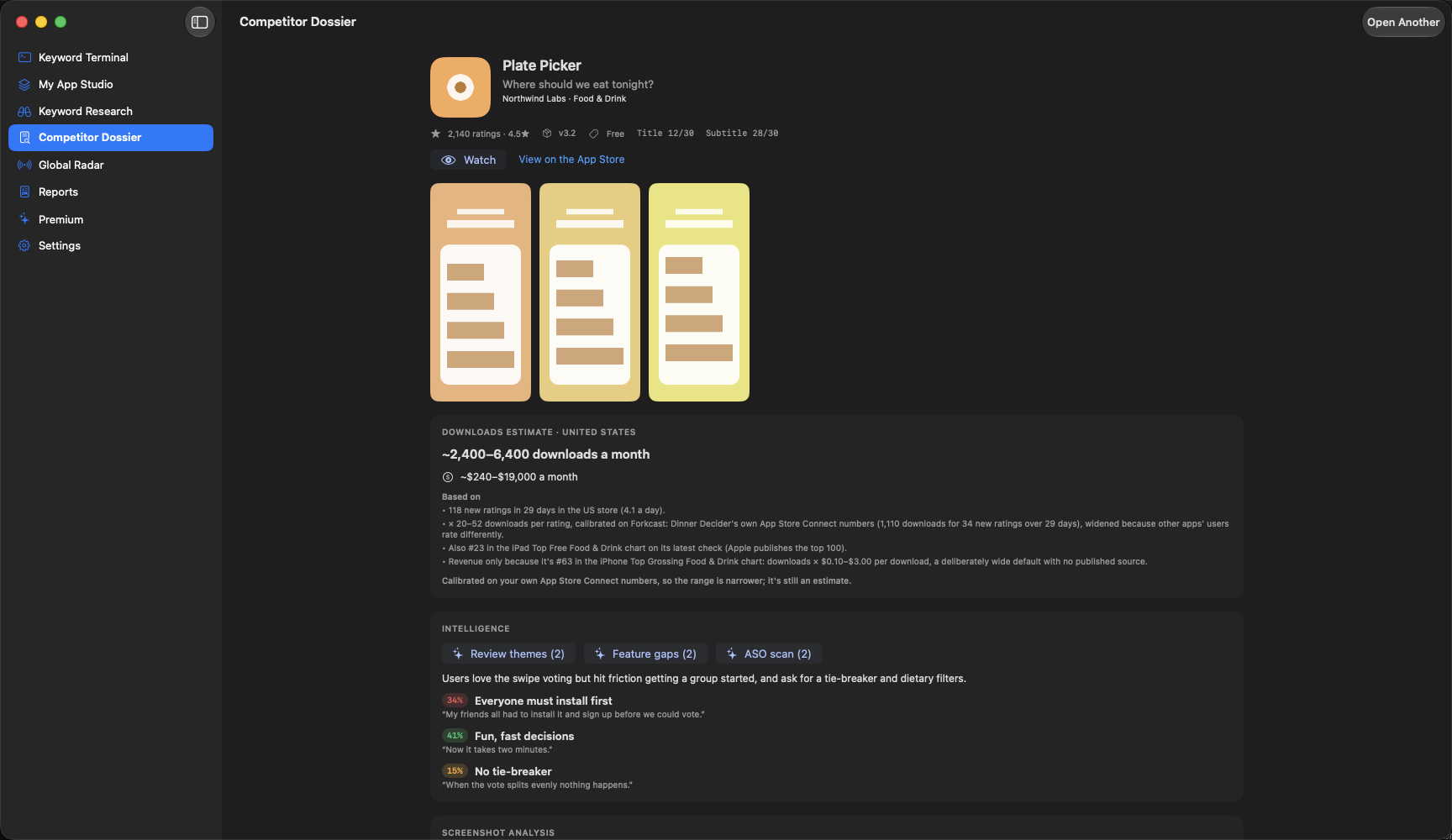
- Open any app to see its listing, screenshots, ratings, related apps and In-App Events, plus what its users complain about and ask for. Listing free, the rest on Intelligence Engine
- Competitor reviews
- Their public reviews, grouped into topics and feature requests by AI. Intelligence Engine
- Apps using your name
- Other developers' apps that show up when people search for your app's name. Free
- Pricing benchmark
- What similar apps charge for their in-app purchases: weekly, monthly, yearly and lifetime. Intelligence Engine
- Download and revenue estimates
- A rough monthly download range for any app, always shown as a range with what it's based on. Intelligence Engine
- Top charts and featured
- Where you and your competitors sit on Apple's charts, and when you're seen on the featured pages of Apple's web App Store. Your own charts free, the rest on Intelligence Engine
- Category switch advisor
- How crowded the top charts are in the other categories you could pick. Intelligence Engine
Why did I drop? shows what changed around the same time; it can't prove what caused your drop. Estimates are estimates: they need a week of daily rating counts first, and revenue appears only for apps on a top grossing chart. The pricing benchmark shows prices only, because paywall screens aren't public. Apple's web App Store isn't the same as the Today tab on a phone, so no sighting means "not seen", never "not featured".
Your listing
Make your App Store page work harder.
Write and check your title, subtitle, keywords, description, screenshots and video before you send them to Apple.
- Listing health score
- One score for your whole listing (search words, keyword field, description and screenshot captions), with each weak spot named. Free score, fix list on Intelligence Engine
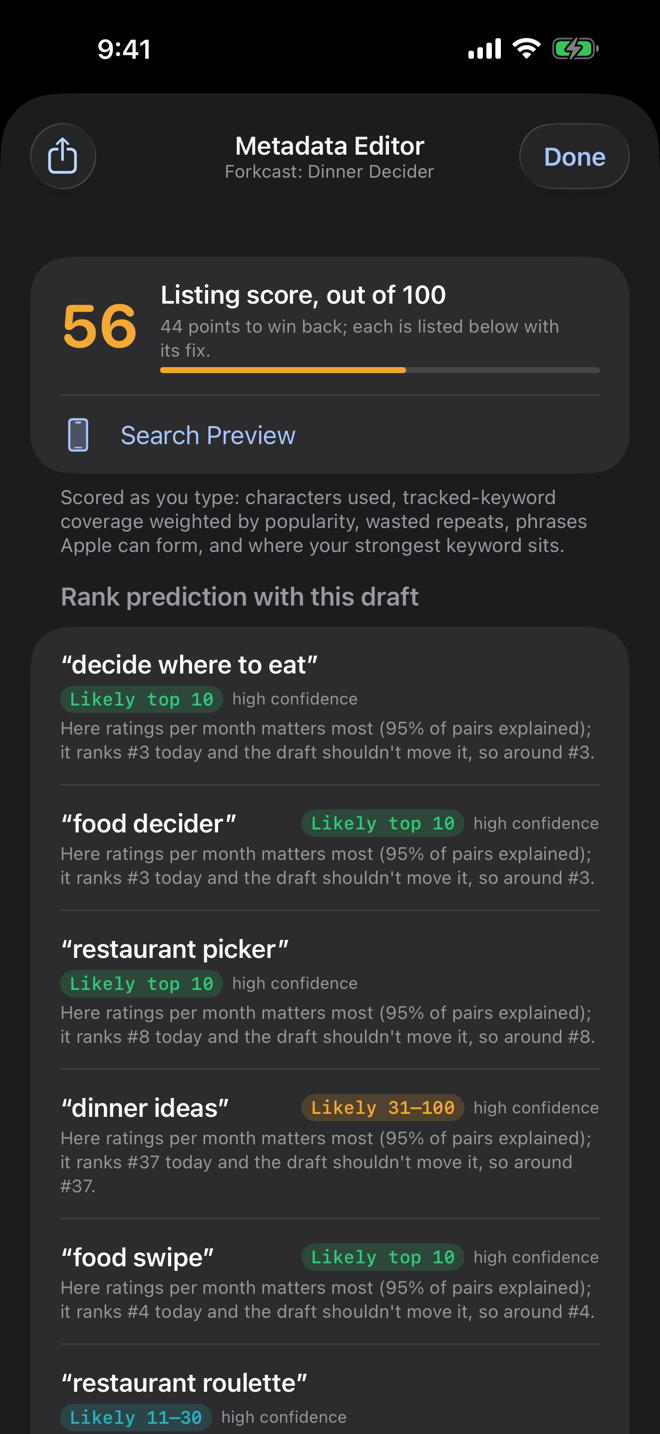
- Metadata Editor
- Live character counts against Apple's 30, 30 and 100 limits, and a warning when you repeat a word across fields (once is enough). Free
- Search score
- A 0 to 100 score for your title and subtitle that updates as you type, with every lost point explained. Free
- Keyword field packer
- Fills your 100-character keyword field with your keywords' missing words, and says what it added and took out. Free
- Subtitle ideas
- Five AI subtitle options, each showing which of your keywords it covers. Free with quick AI
- One word swap
- Swap one word and see each keyword's likely rank range before and after. Intelligence Engine
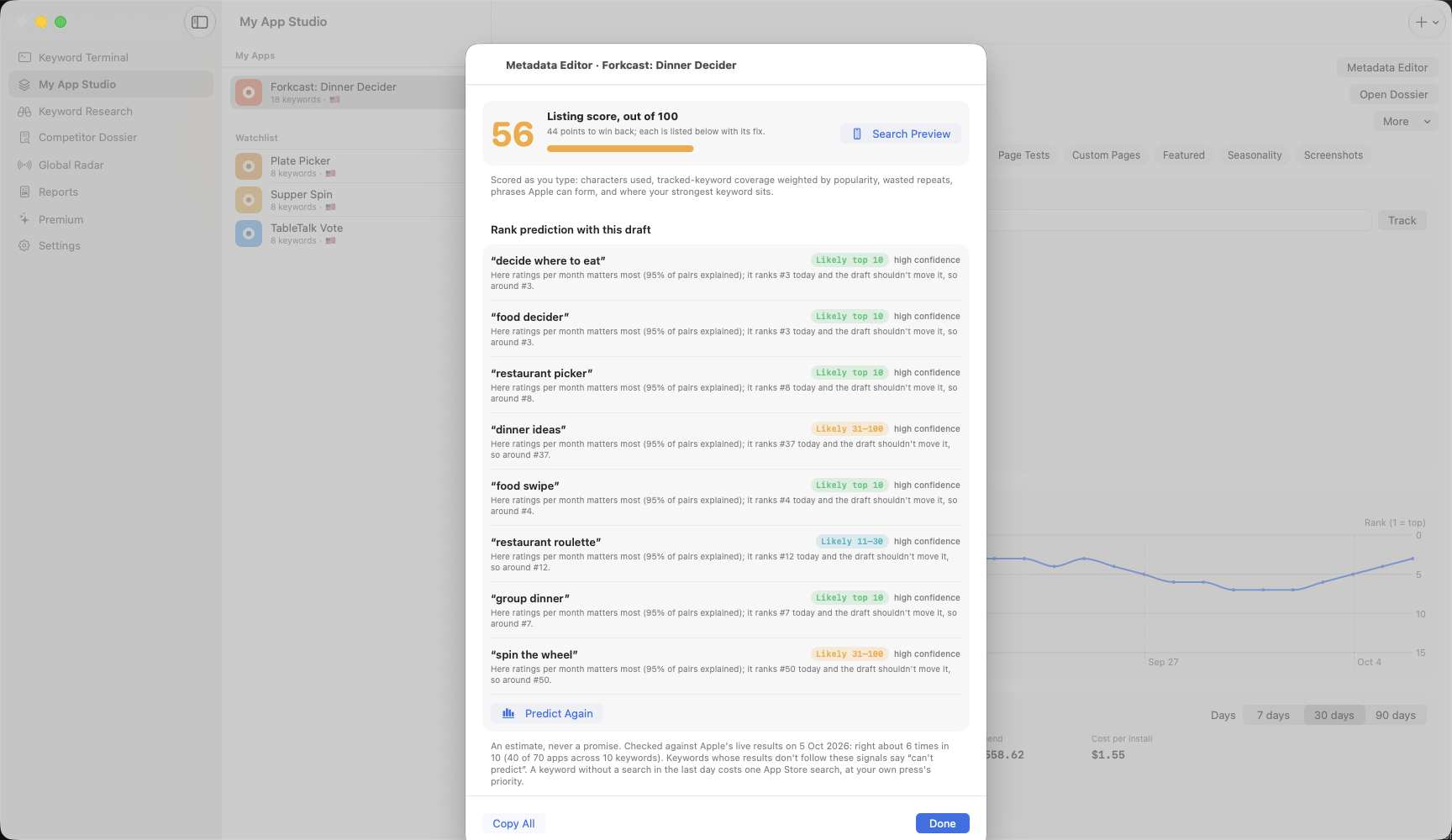
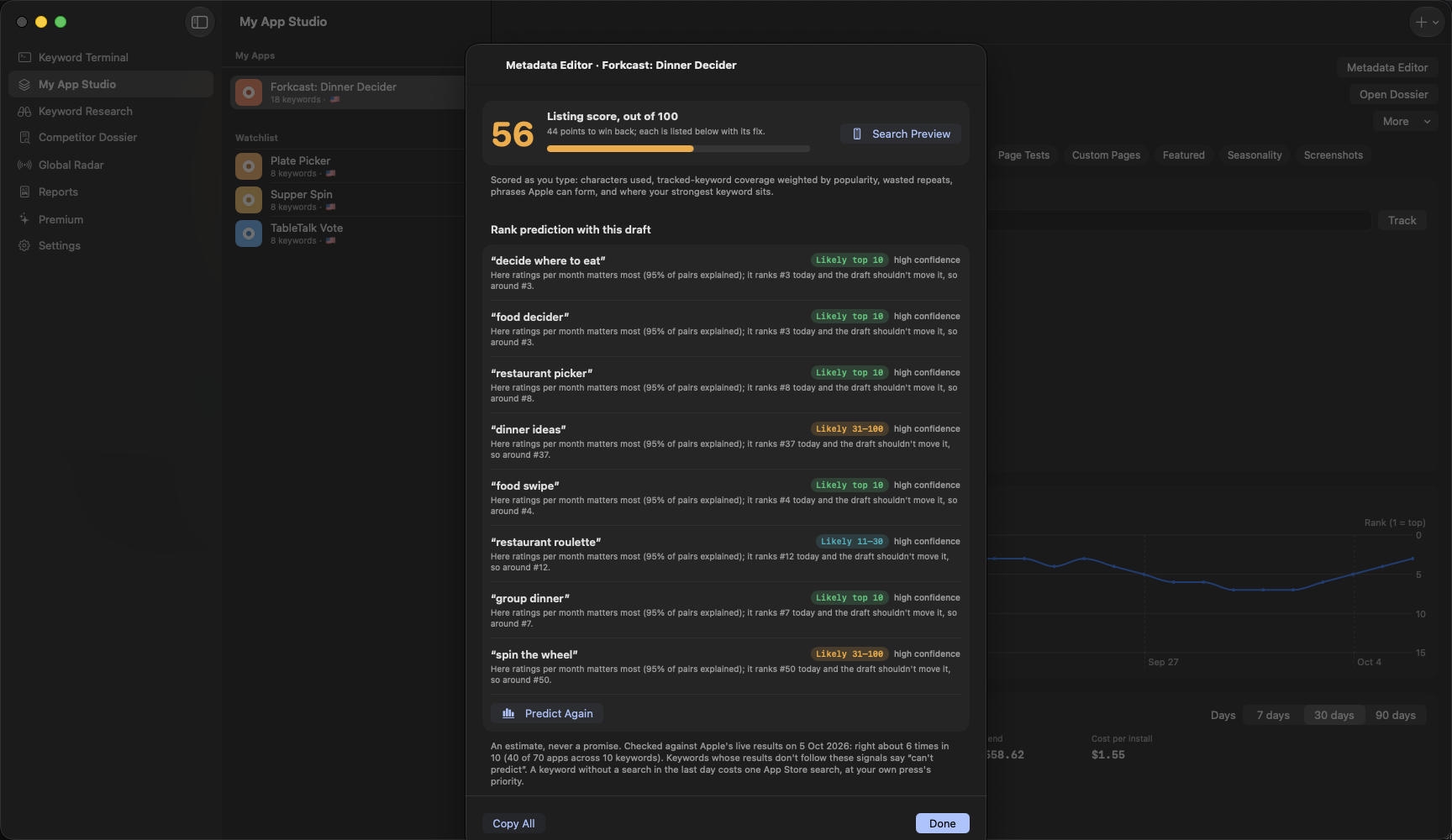
- Rank prediction
- Where your draft is likely to land for each keyword: top 10, 11 to 30, 31 to 100, or unlikely. Intelligence Engine
- Search results preview
- See your listing among the real apps around it in search, on iPhone and iPad, current or draft. Free
- Description readability
- A readability score for your description, so people can skim it. Free
- Screenshot caption check
- Reads the words on your screenshots, on your own device, and flags captions that are too long or too small. Free
- Icon contrast check
- Whether your icon stands out from the apps beside you in search results. Free
- First screenshot grade
- The AI's opinion of your first screenshot next to the apps you're up against, with fixes. Intelligence Engine
- Screenshot analysis
- AI compares the story your first three screenshots tell with up to three competitors'. Intelligence Engine
- App preview checklist
- Apple's video rules, plus your video's length, size and frame rate checked on your device. Free
- What's New writer
- AI writes your release notes from your own notes and, on the Mac, your project's commit messages. Free with quick AI
- Localization keyword planner
- Every keyword field a country's App Store searches (the US store reads ten languages), and what to put in the spare room. Intelligence Engine
One word swap and rank prediction are estimates, never promises. Checked against Apple's live results on 5 October 2026, rank prediction picked the right band about 6 times in 10, and keywords it can't read say "can't predict" instead of guessing. The app never changes your listing: you copy what you like into App Store Connect yourself.
Try the character counter
It runs the same rules as the app: Apple's 30, 30 and 100 limits, and a warning when a word is repeated across fields. A word only needs to appear once to be found in search.
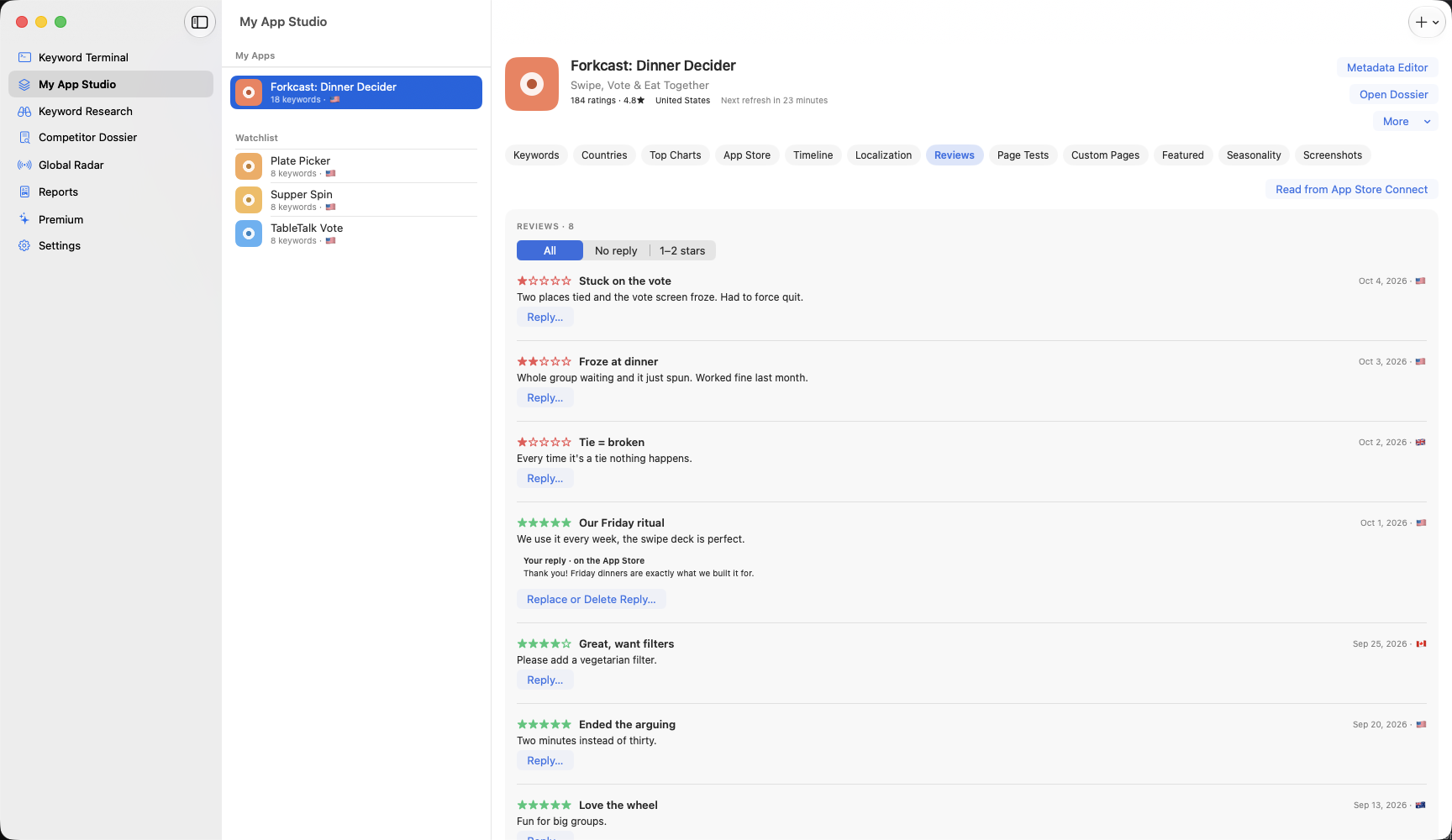
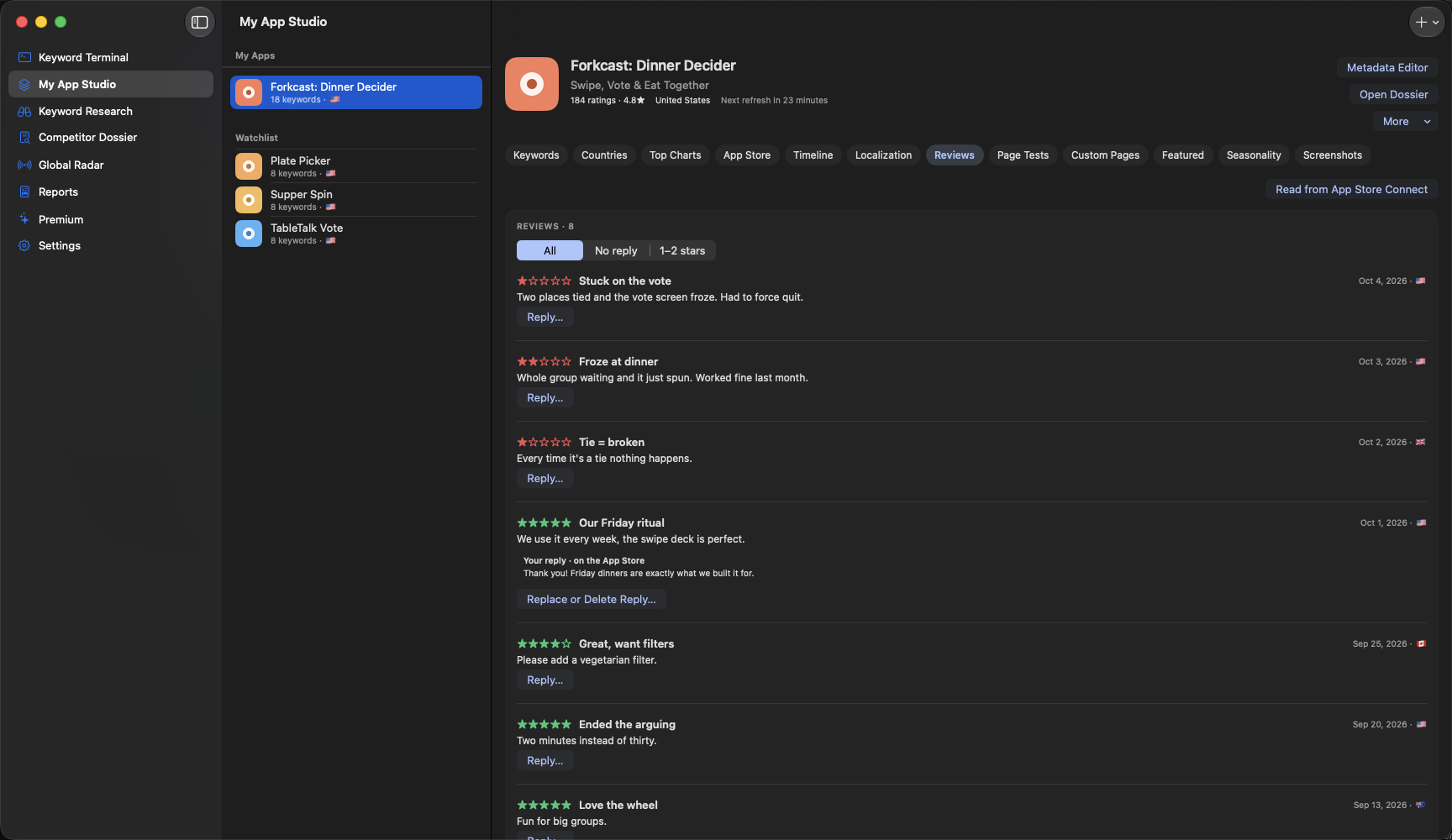
Reviews
Hear what your users are telling you.
Every review from every country in one place, with help reading them and answering them.
- All your reviews
- Every country's reviews for your app, from App Store Connect or, without it, Apple's public feed.
- Review topics and feature requests
- AI groups your reviews into topics and counts what people ask for, quoting real reviews checked word for word. Intelligence Engine
- Review spike alerts
- A heads-up when one- and two-star reviews pile up, with the version they started on. Intelligence Engine
- AI review replies
- Drafts a reply in your tone. Nothing is posted until you press Post. Intelligence Engine
- Reply templates
- Saved replies you can reuse, which also set the tone for AI drafts. Intelligence Engine
- Rating recovery
- Each week's average stars from written reviews, and how far you've climbed back after a drop. Intelligence Engine
- When to ask for ratings
- How happy reviews are in the days after each update, to help you time your rating prompt. Intelligence Engine
Counts from the AI are labeled as the AI's count, and any quote that doesn't match a real review word for word is hidden. The app can't see inside other apps, so rating timing comes from your own reviews' dates.
Your App Store numbers
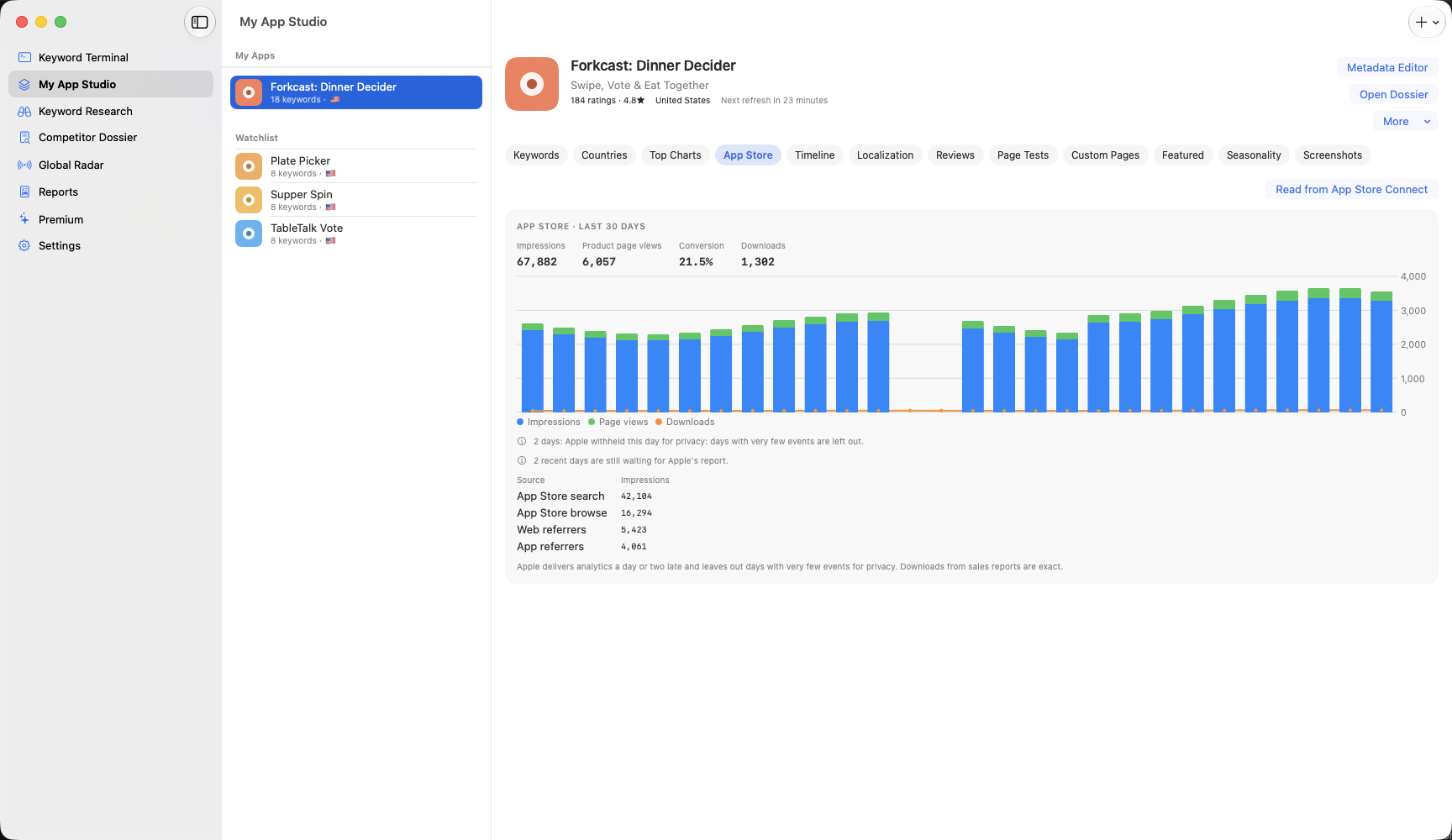
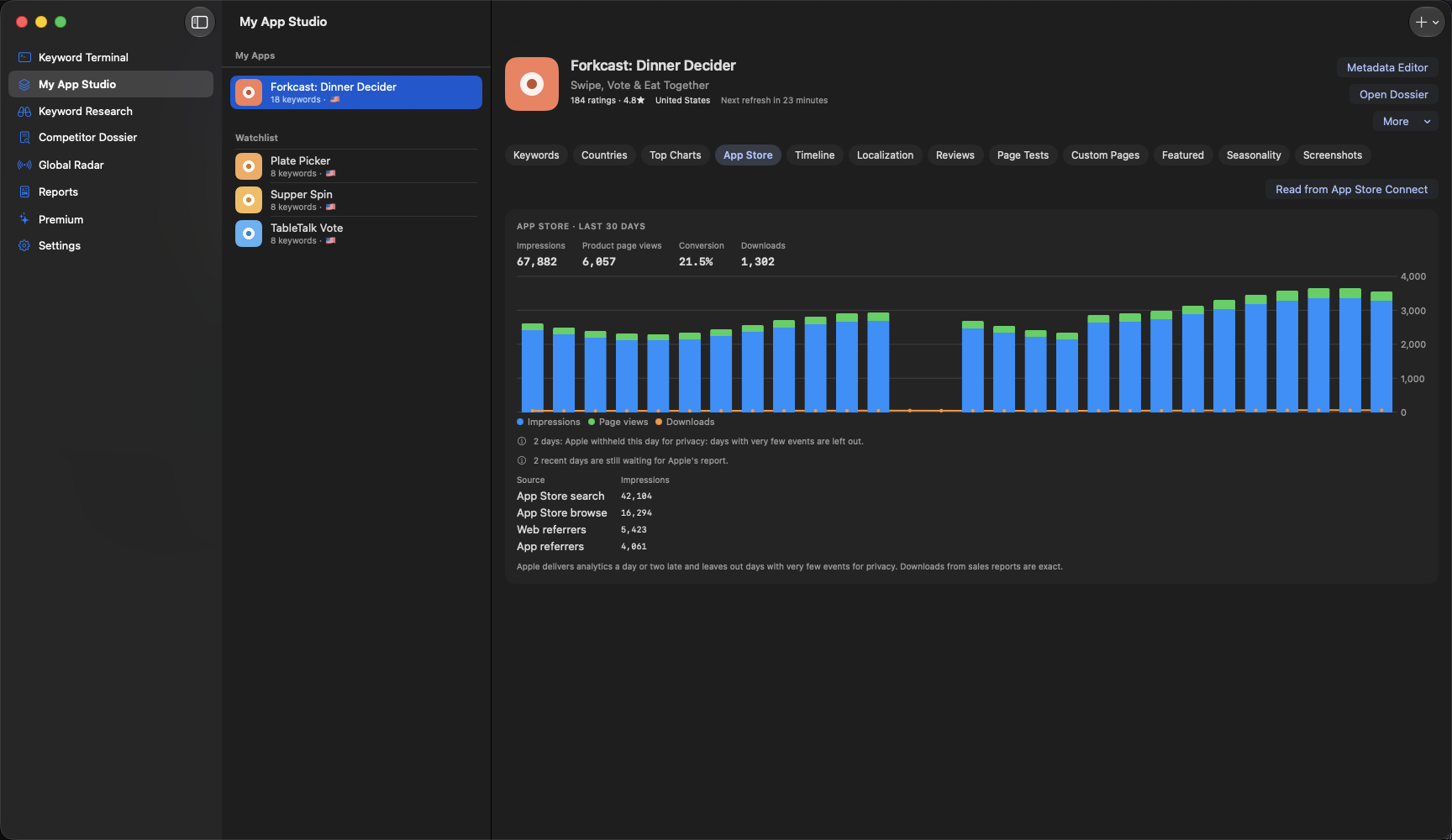
Your real numbers, from Apple.
Connect your own App Store Connect key and the app adds Apple's figures for your apps.
- Set Up My Apps
- One button adds the apps on your App Store Connect account, with their keywords, ready to track.
- App Store Connect numbers
- Impressions, product page views, conversion and downloads by day, by country and by where people found you. Intelligence Engine
- Change impact timeline
- Every listing change, update and price change on a timeline, with the 14 days before against the 14 days after. Markers free, numbers on Intelligence Engine
- Campaign link tracking
- Make Apple campaign links for your website and posts, and see how many downloads each one brought. Intelligence Engine
- Product page tests and custom pages
- Every product page test and custom product page with its status and dates, and which keywords each page should answer. Intelligence Engine
- Portfolio
- Every one of your apps on one screen: ratings, top-10 keywords, rank moves, to-dos, and which one needs a look first. Free
Apple's numbers exist once a version is live, arrive a day or two late, and leave out days with very few events for privacy. The app says which days are missing instead of showing zero. Campaign links show downloads only: Apple's downloadable reports don't include views or sessions per campaign. The timeline says what changed after a change, never what caused it. Your key stays in your device's Keychain and goes only to Apple.
Planning
Know what to do next.
Alerts, a to-do list and a calendar, so ASO becomes a habit instead of a scramble.
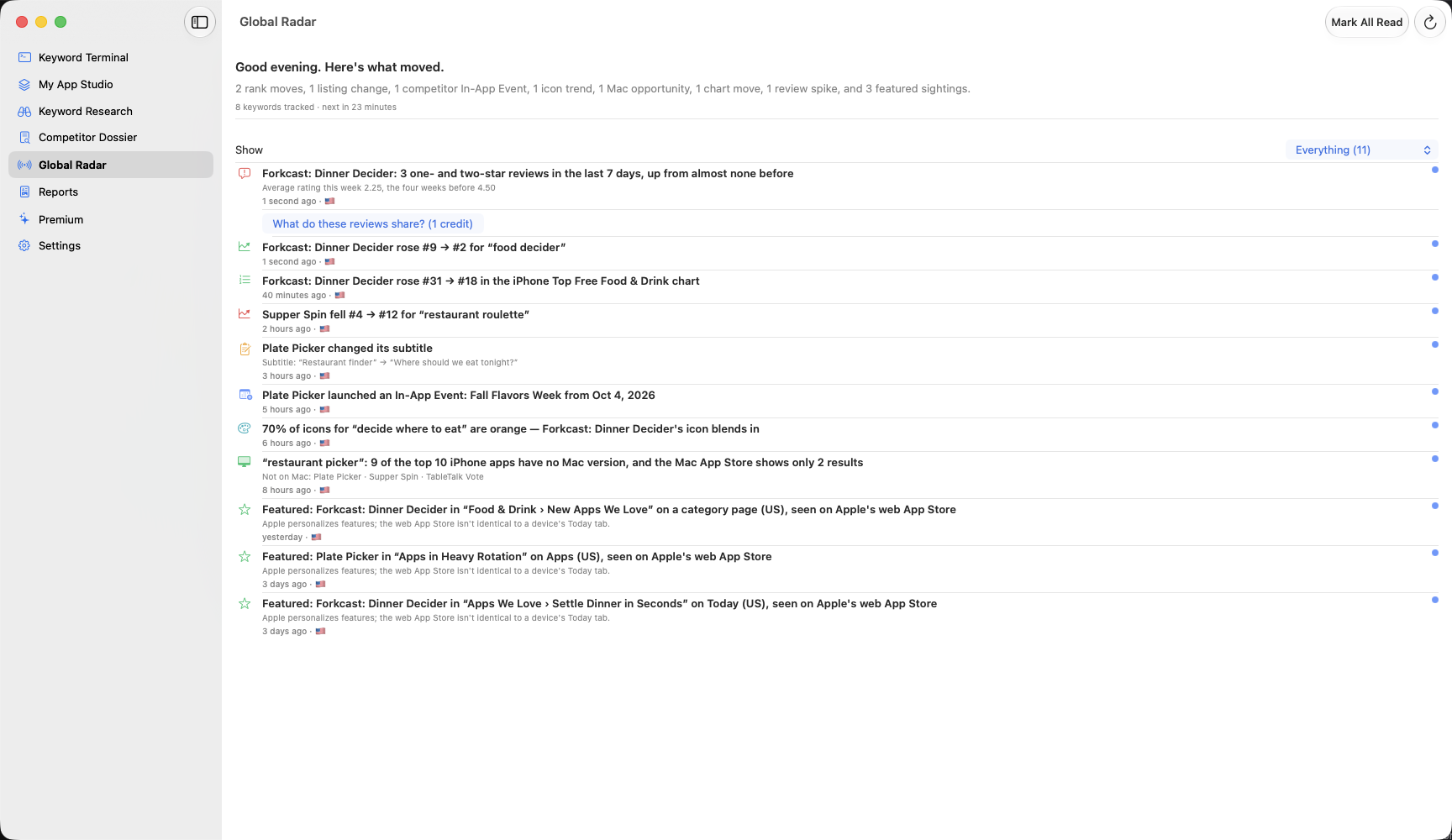
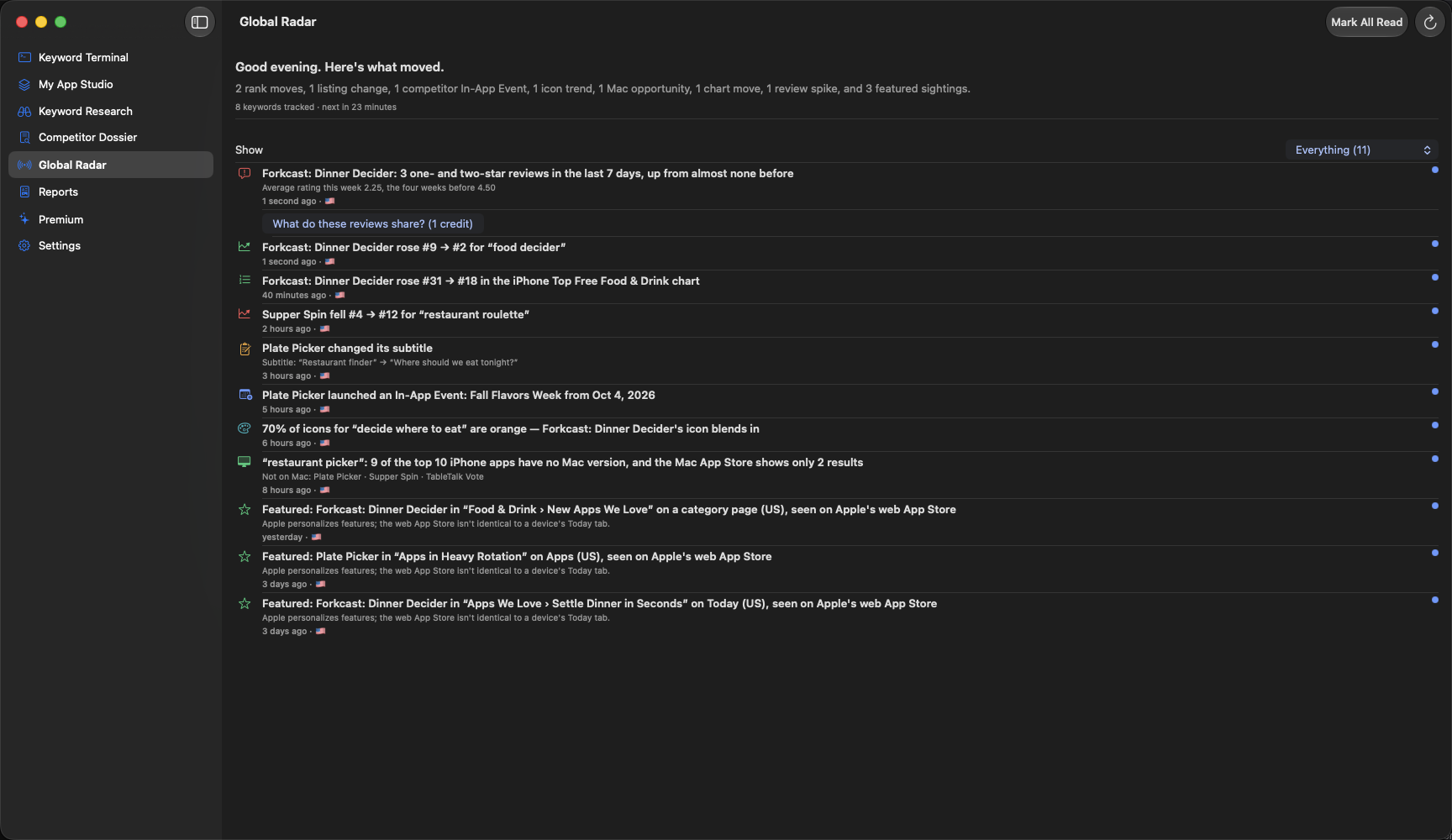
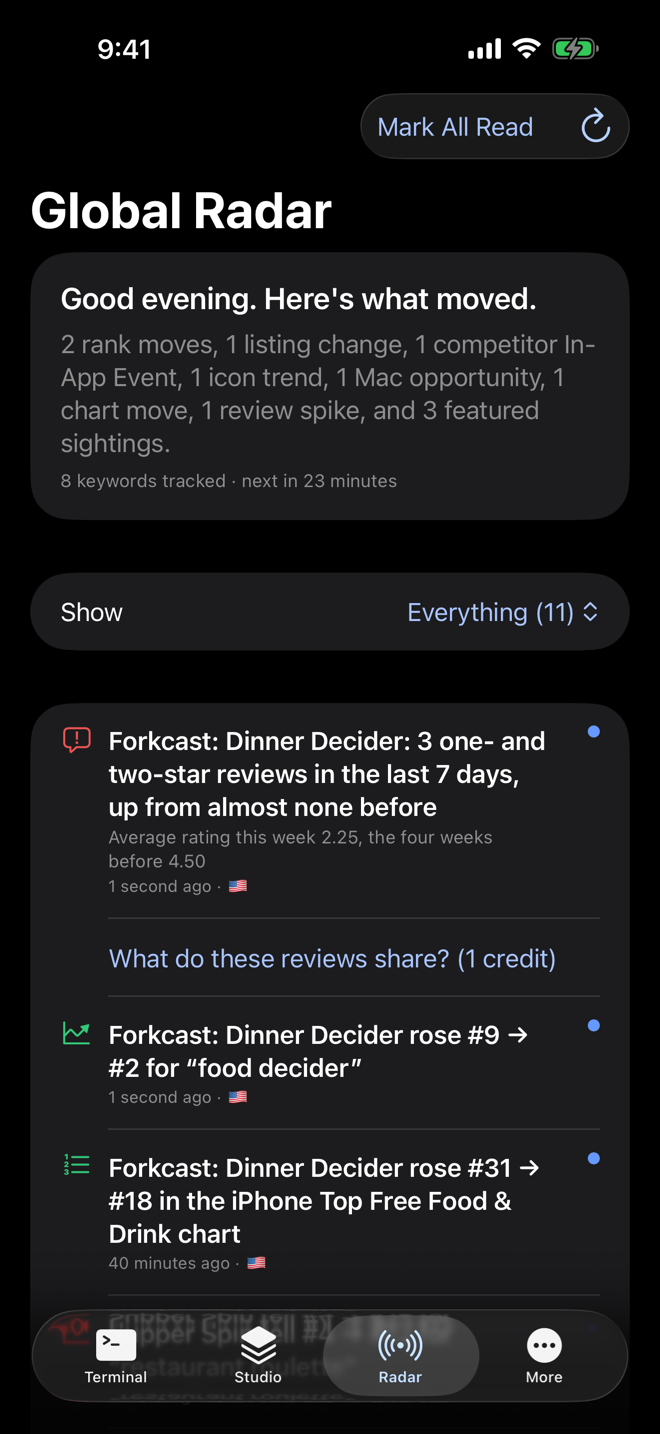
- Global Radar
- Everything that moved since you last looked, with a morning brief at 8:00: rank moves, listing changes, chart moves, review spikes and more.
- ASO to-do list
- Alerts, listing fixes and keyword ideas become tasks with due dates, late ones first. Free
- Update calendar
- Plan releases and listing changes by date, with a warning when two land too close together to tell apart. Intelligence Engine
- Experiment log
- Write down a change and what you think it will do; two weeks later the app tells you if you were right. Intelligence Engine
- Promotional text planner
- Plan your promotional text by date and get a reminder on the day. You paste it into App Store Connect yourself. Intelligence Engine
- Launch checklist
- A 30-day launch plan: 13 dated steps added to your to-do list. Free
Learning
Learn ASO as you go.
Made for people who are new to this. Every number has a plain-English explanation one tap away.
- ASO School
- Eight short lessons that teach App Store Optimization using your own app's numbers. Free
- Explain this number
- Tap a stat to see what it means, and what your number in particular means. Free
- Glossary
- A ? next to the jargon, with a one-line explanation. Free
- Streaks and badges
- A light nudge to keep the habit going, which you can switch off. Free
Reports, teams and agencies
Share your work, or do it for clients.
Reports you can hand to someone, alerts where your team already talks, and a plan for people managing many apps.
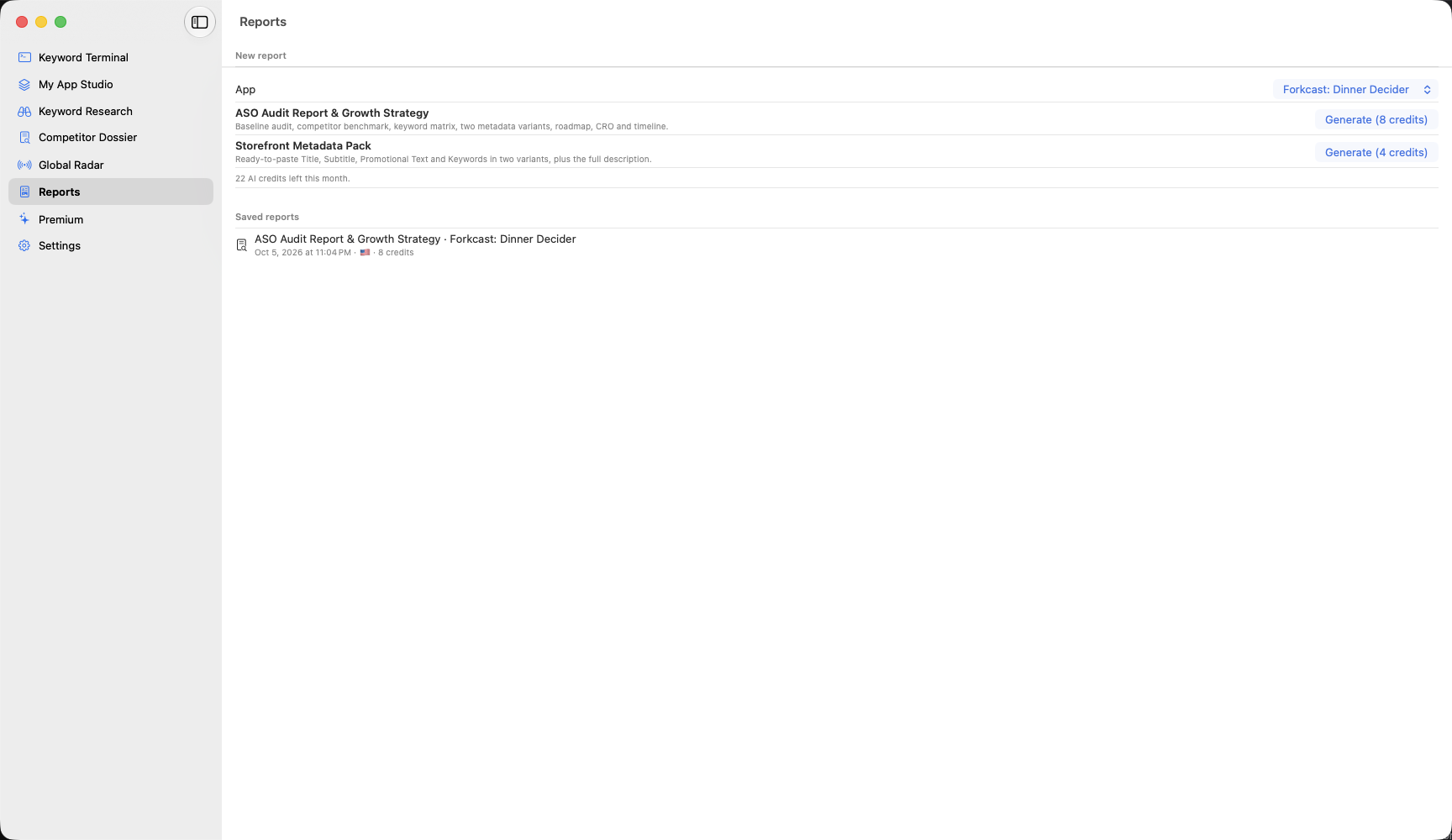
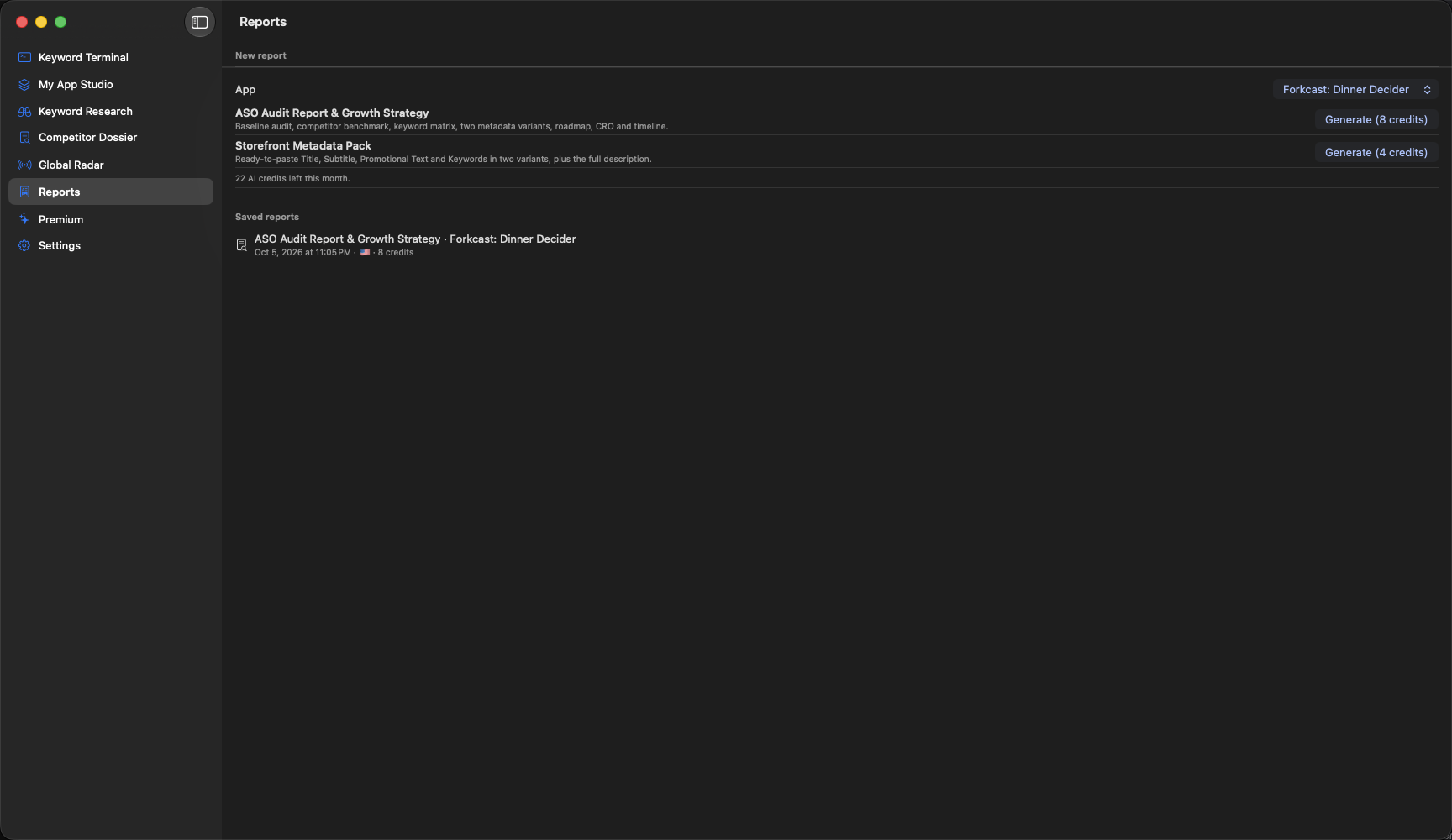
- AI reports
- An ASO Audit Report and a Storefront Metadata Pack built from your real data, exported as Markdown or PDF. Intelligence Engine
- Shareable report links
- A private link to a report that stops working after 1, 7 or 30 days, and you can turn it off any time. Intelligence Engine
- Slack and Discord alerts
- Radar's alerts posted to your team's channel after every refresh. Intelligence Engine
- Weekly email
- A Monday email with the week's wins first, then your biggest moves and three next steps. Intelligence Engine
- Agency plan
- Unlimited apps of your own, 500 keywords to share between them however you like, and client folders that keep each client's apps and reports apart. Agency
Every number in a report comes from the app's own data, never from the AI, and proposed keyword fields are checked against Apple's limits. The weekly email is switched on in a later beta build; until then the app says so in Settings.
ASO Audit Report & Growth Strategy
- Executive summary and key findings
- Current baseline audit, field by field
- Competitive benchmarking in your storefront
- Keyword matrix: discovery terms and long-tail terms
- Two metadata proposals with keyword combinations
- Optimized product description
- Feature roadmap from competitor reviews
- Conversion guidelines: icon and screenshot storyboard
- Implementation and experiment timeline
Storefront Metadata Pack
- Variant B: high-intent title, subtitle, promo text, keywords
- Variant A: high-volume discovery set
- Token breakdown for each variant
- Full App Store description
- App Store Connect checklist
Apple Ads
Apple Ads, on your own account.
Connect your own Apple Ads account to swap estimates for Apple's numbers, and see paid and organic side by side.
- Apple's own popularity
- Apple's 1 to 100 search popularity, overall and within your app's genre, in place of the app's estimate. Intelligence Engine
- Paid vs organic
- For a keyword you advertise on, an estimate of how many downloads came from Apple Ads and how many came from regular search. Intelligence Engine
- Apple Ads performance
- Your campaigns' impressions, taps, installs, spend and cost per install, next to your organic rank for the same keyword. Intelligence Engine
- Ads for custom pages
- Which ad groups send people to each custom product page. Intelligence Engine
Paid vs organic is an estimate and is labeled as one. Paid installs are Apple's own count; organic is worked out from App Store Connect's search downloads, so it needs both accounts connected, and it leans high because searches you don't track bring downloads too. Your Apple Ads credentials stay in your device's Keychain and go only to Apple.
How to connect Apple Ads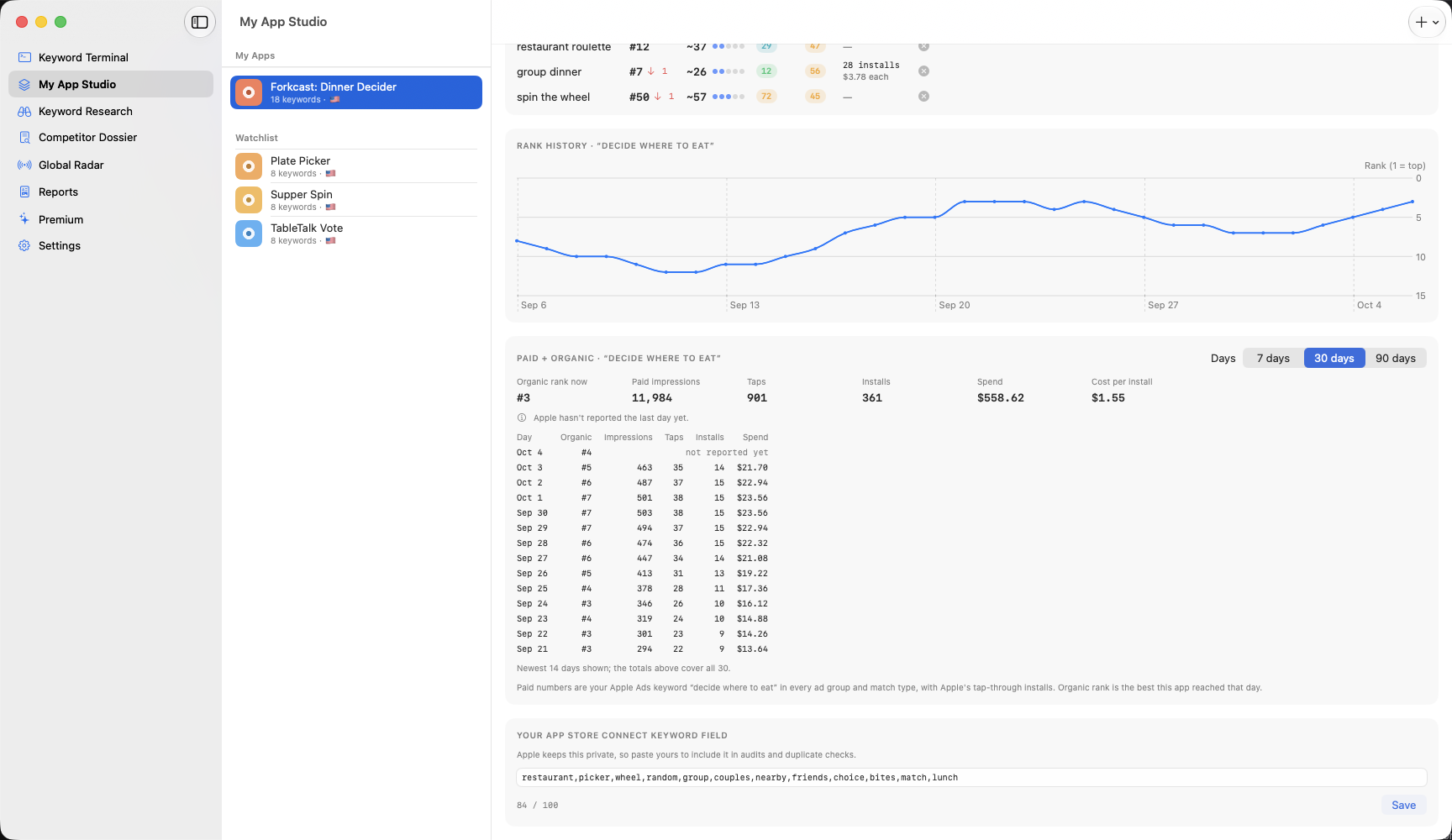
How much AI you get
AI only runs when you press it. Intelligence Engine and Agency have unlimited AI, fair use applies. Core Tracker includes 10 quick AI uses a month.
- Unlimited (fair use): every AI feature, as often as you need it. There's a monthly limit to stop abuse; normal use never gets near it. If it's ever reached, AI pauses until the 1st.
- 10 quick AI uses a month on Core Tracker: AI keyword insights and AI keyword suggestions. They reset on the 1st (UTC). The bigger AI features, like reports, review topics and screenshot grading, are on Intelligence Engine.
- Numbers come from the app, not the AI: popularity, ratings, ranks and character counts in any AI result are the app's own data.
If a request fails on our side, it isn't counted.
Mac, iPhone and iPad
On every device you work on.
One app for Mac, iPhone and iPad, with widgets and iCloud sync.
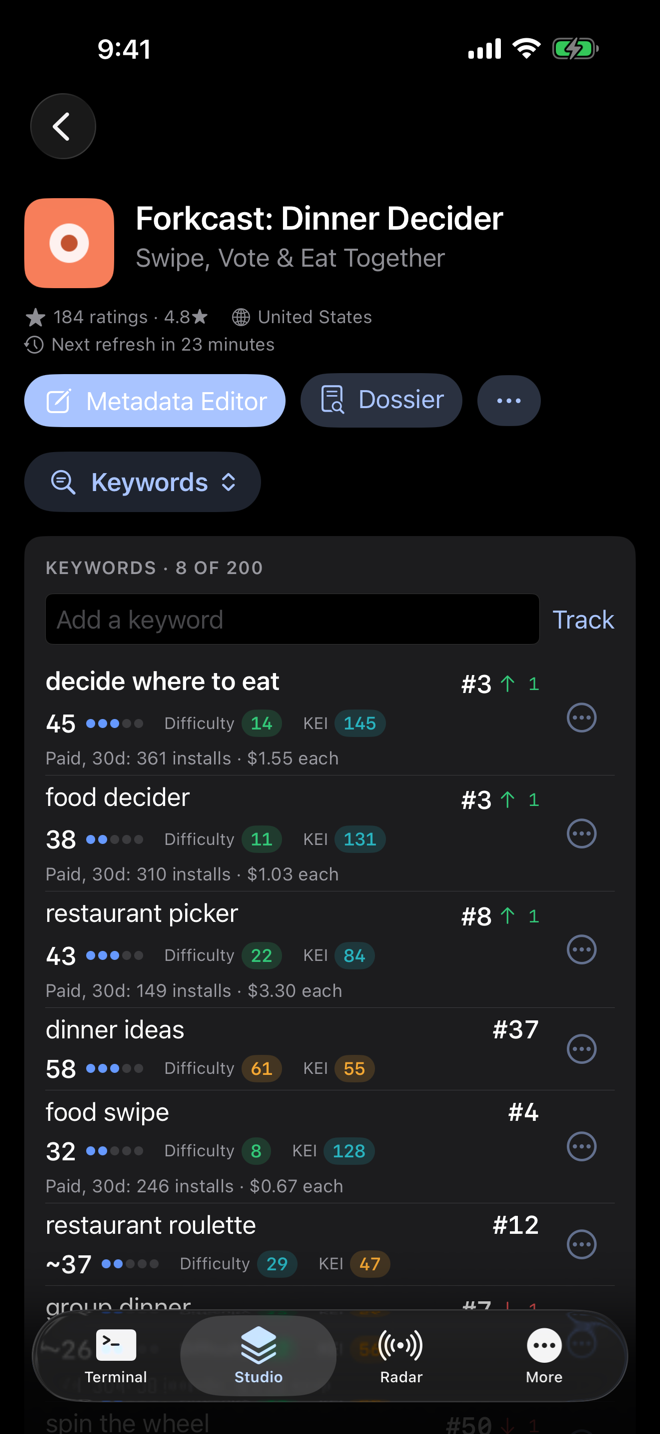
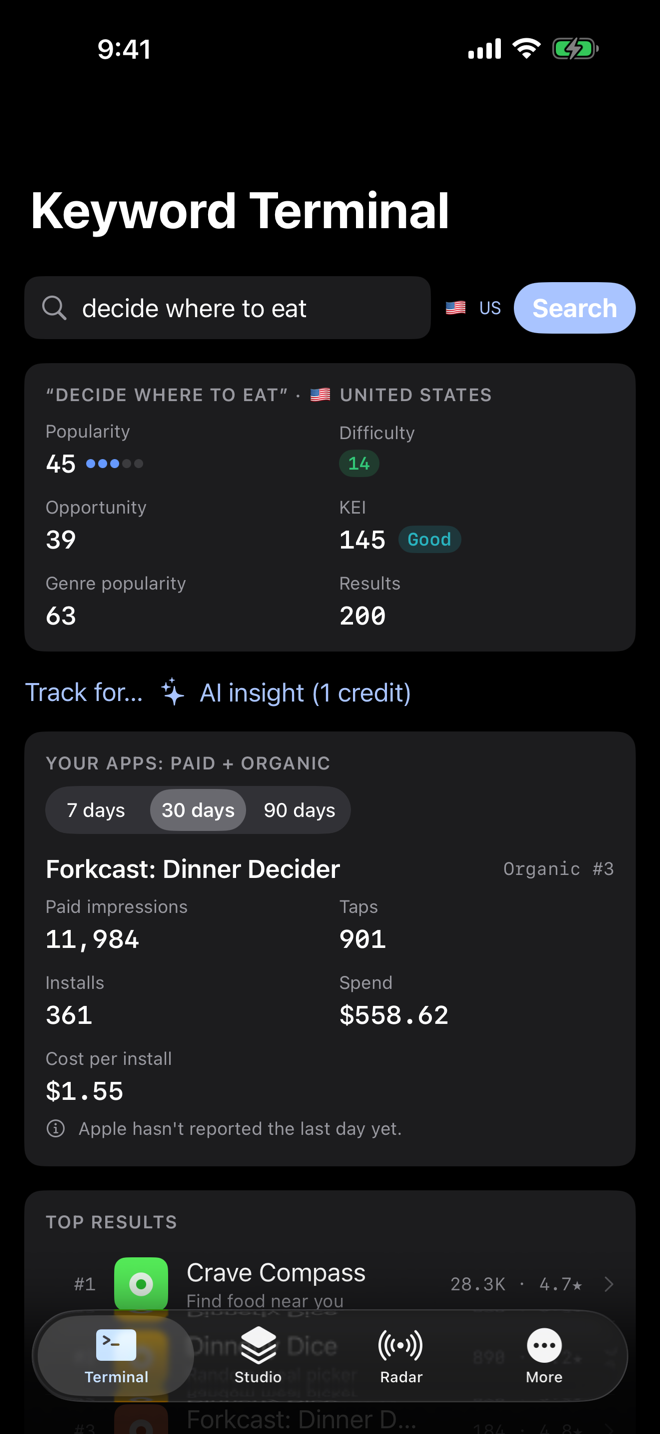
Built for iPhone and iPad too.
Every feature, laid out for the screen in your hand. In Studio, one button opens a list of the app's sections. Swipe a suggested keyword to track or dismiss it, and pull down to refresh. On iPad, your apps sit beside the one you're working on, and ⌘1 to ⌘8 jump between sections, as on the Mac.
Widgets and iCloud sync
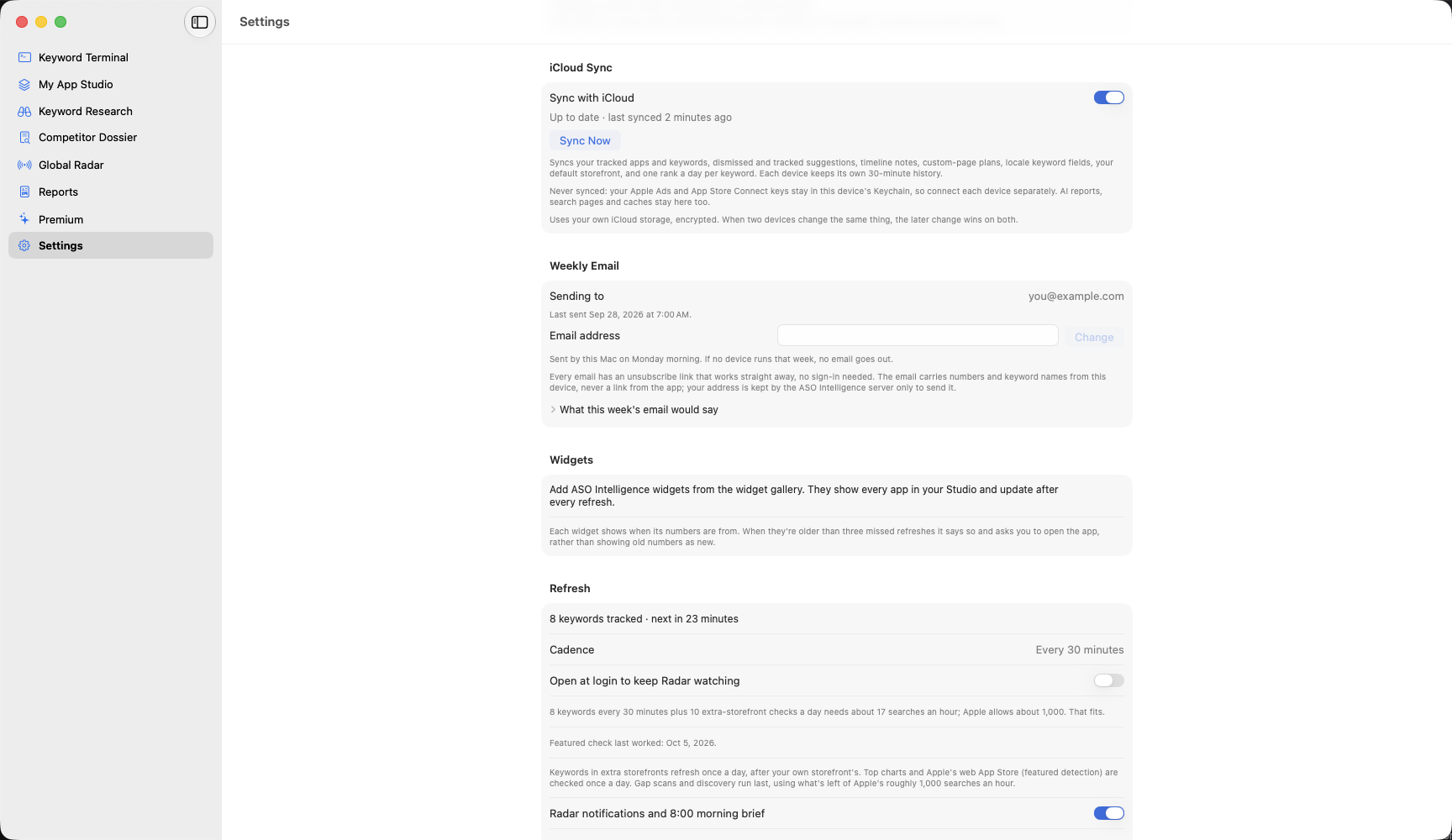
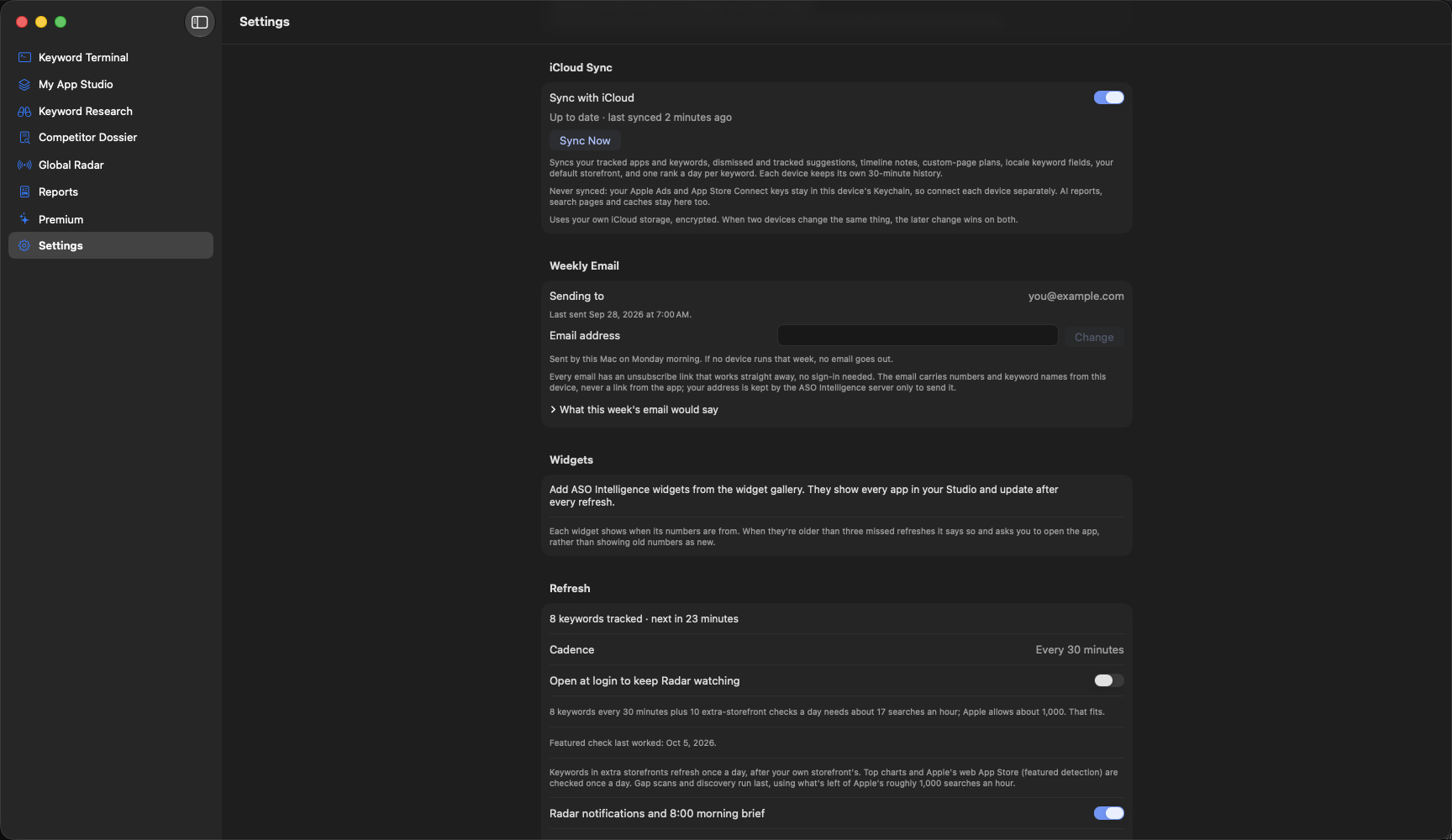
- Widgets: Biggest Moves, Keyword Rank and Global Radar's unread count, on the Mac desktop and, on iPhone and iPad, the Home Screen and Lock Screen. Each one shows when its numbers are from and asks you to open the app when they're old. Core Tracker's widgets show your first app; Intelligence Engine's show them all.
- iCloud sync: your tracked apps and keywords, suggestions you've tracked or dismissed, notes, plans, keyword fields and one rank a day per keyword, the same on every device. It uses your own iCloud storage, encrypted, and is off until you turn it on. Your Apple Ads and App Store Connect keys never sync. Some newer things, like to-dos, client folders and reply templates, stay on the device they were made on for now. Intelligence Engine.