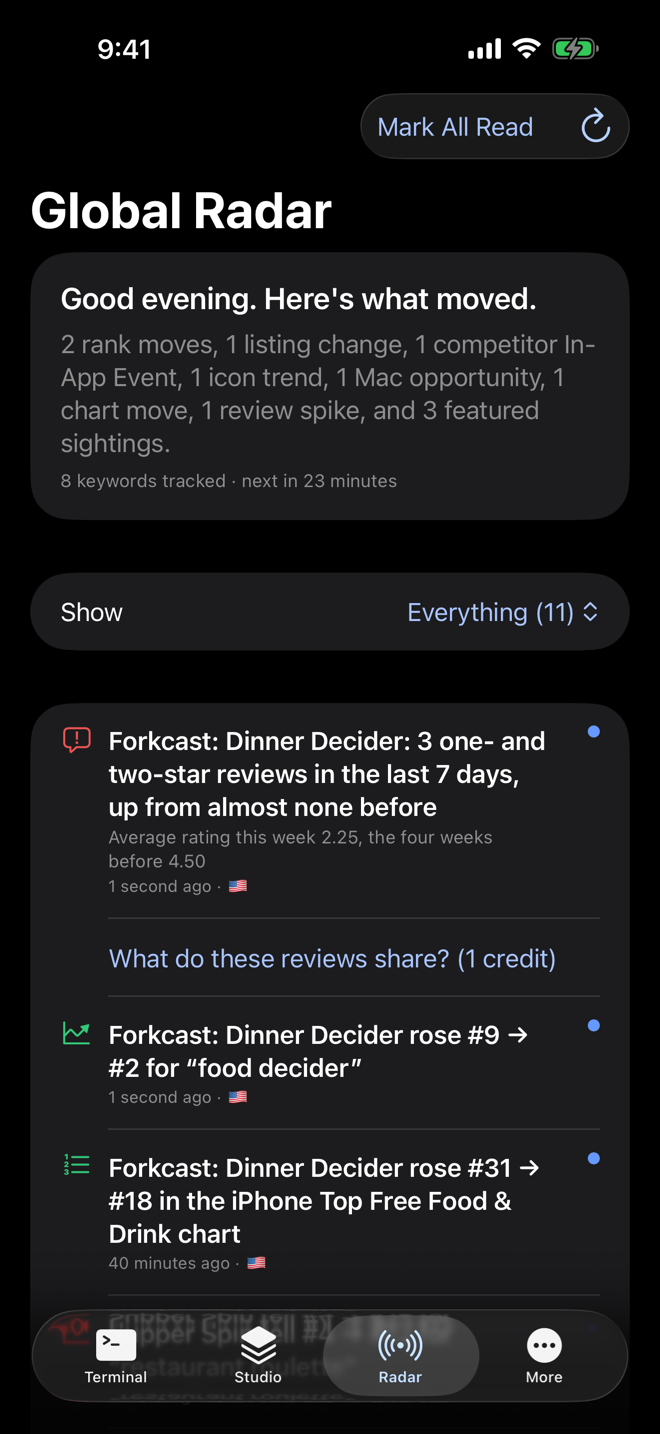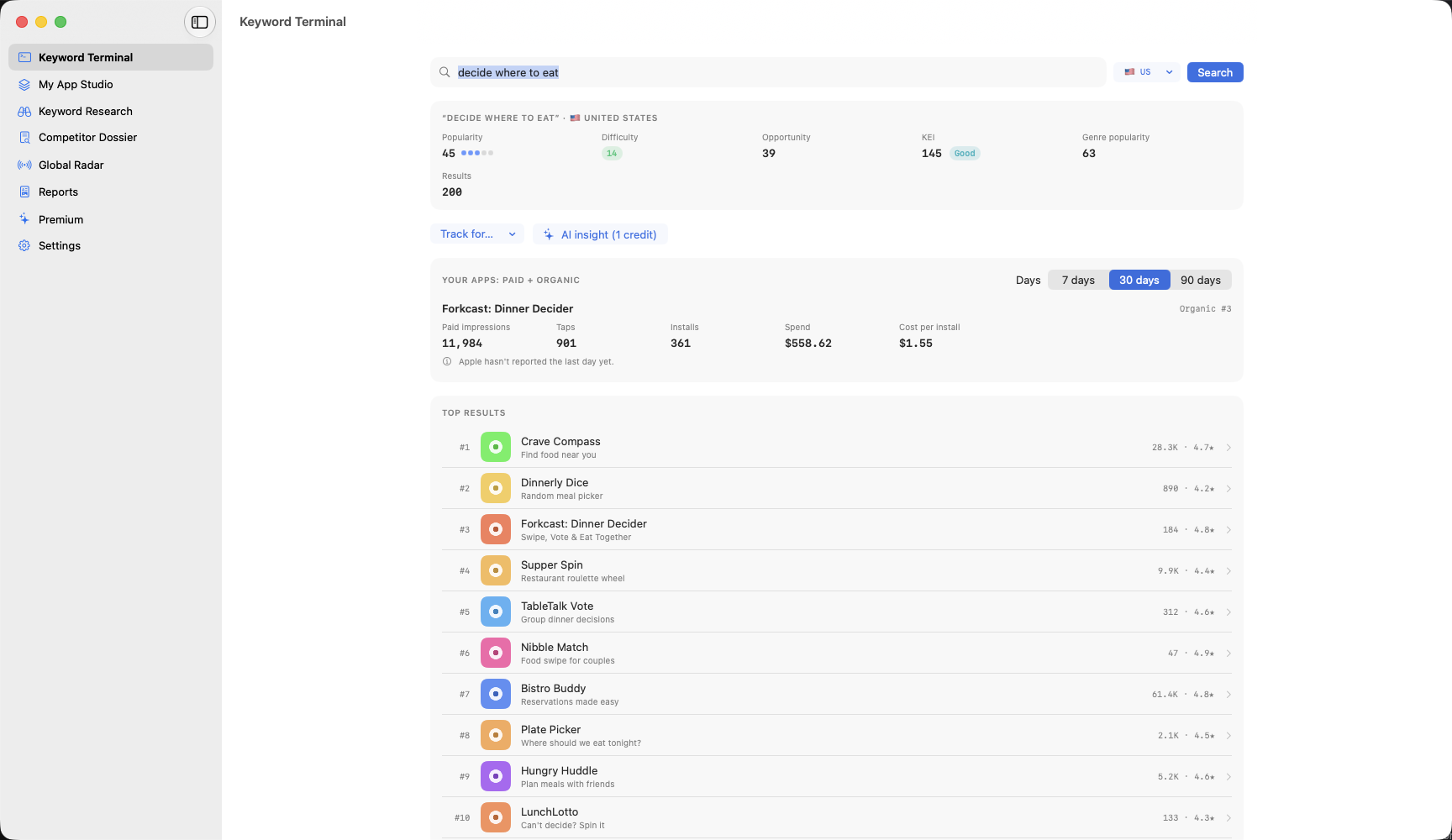
Keyword Terminal
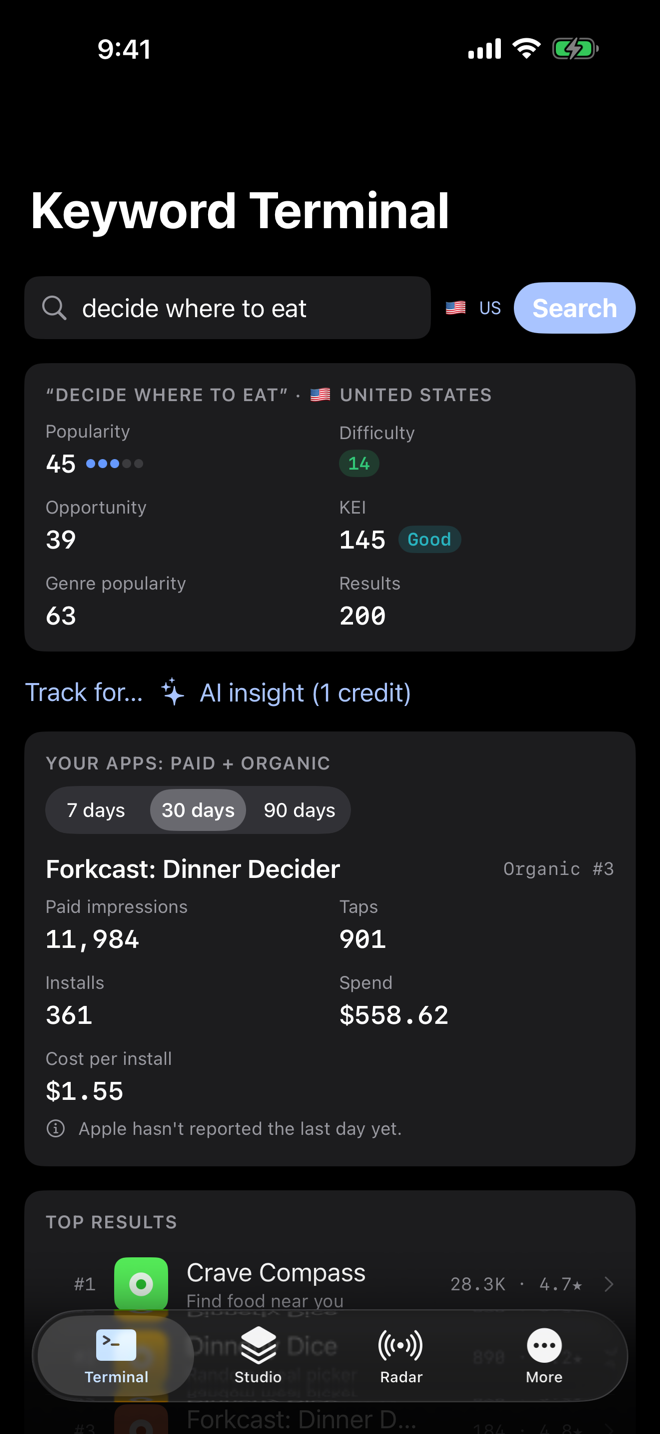
Search any App Store keyword and see popularity, difficulty, opportunity and KEI in one glance.
Find the right keywords, see who you're up against and what they changed, and fix your listing, with your own App Store Connect numbers, in one native app that explains itself in plain English. Free for the Core Tracker; Pro for the Intelligence Engine.
ASO Intelligence is in beta. Ask to join the TestFlight betaTesting with friends and family now. Coming to the App Store and Mac App Store after that.


The ones that answer the questions everyone has: who am I up against, which keywords should I use, and why did my rank change?
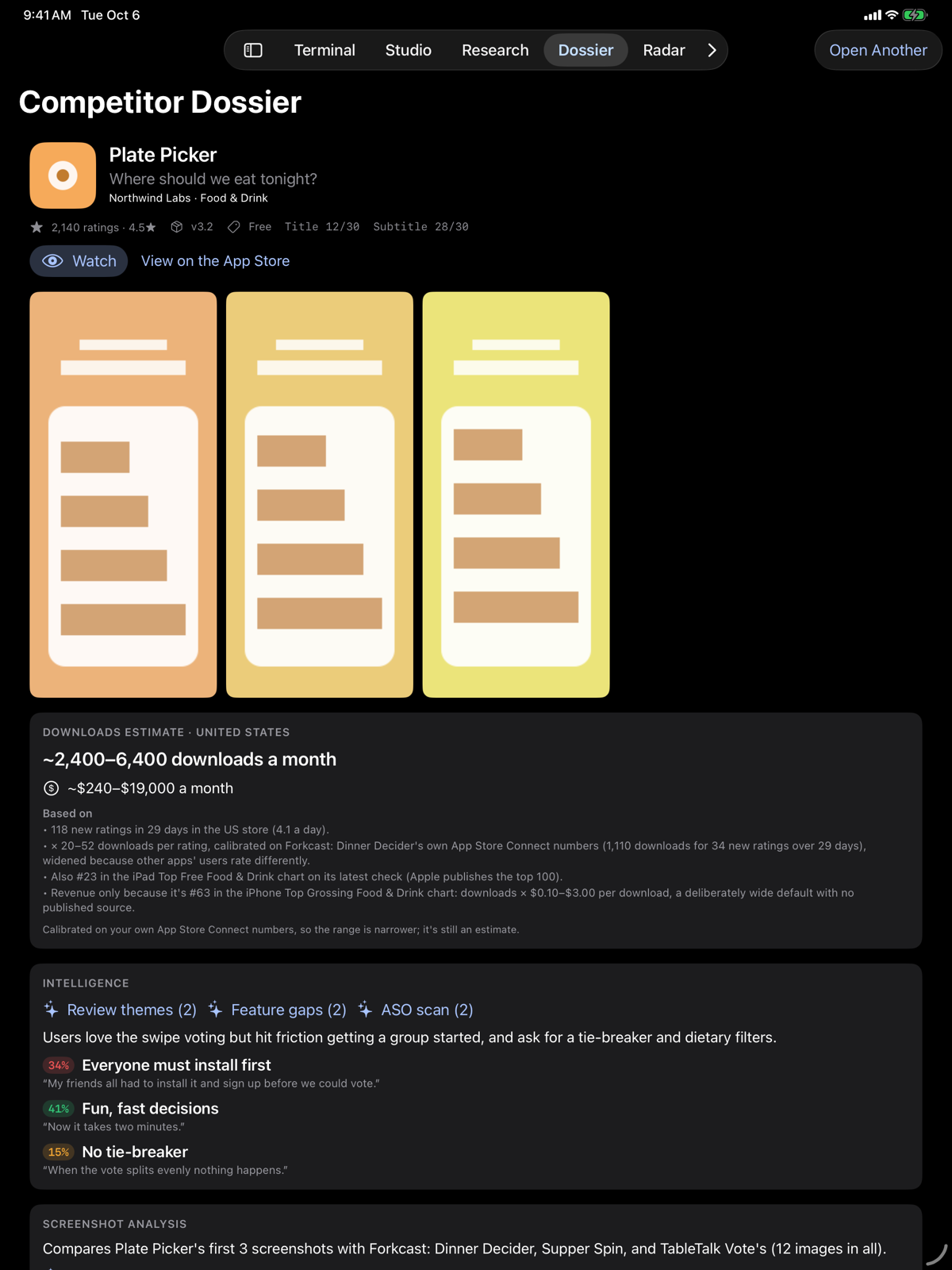
One button shows the apps you're really up against: the ones in the top 10 for your keywords, the ones Apple lists next to you, and the top of your category chart, each with the reason.
Intelligence Engine
A short list of the keywords worth using, sorted into title, subtitle and keyword field, and one tap turns it into a draft that fits Apple's limits.
Intelligence Engine
When you slip for a keyword, it shows which apps moved above you and what they changed around the same time.
Intelligence Engine
Every day it checks the competitors you watch and lists what they changed: title, subtitle, icon, screenshots, prices, in-app purchases and In-App Events.
Intelligence Engine
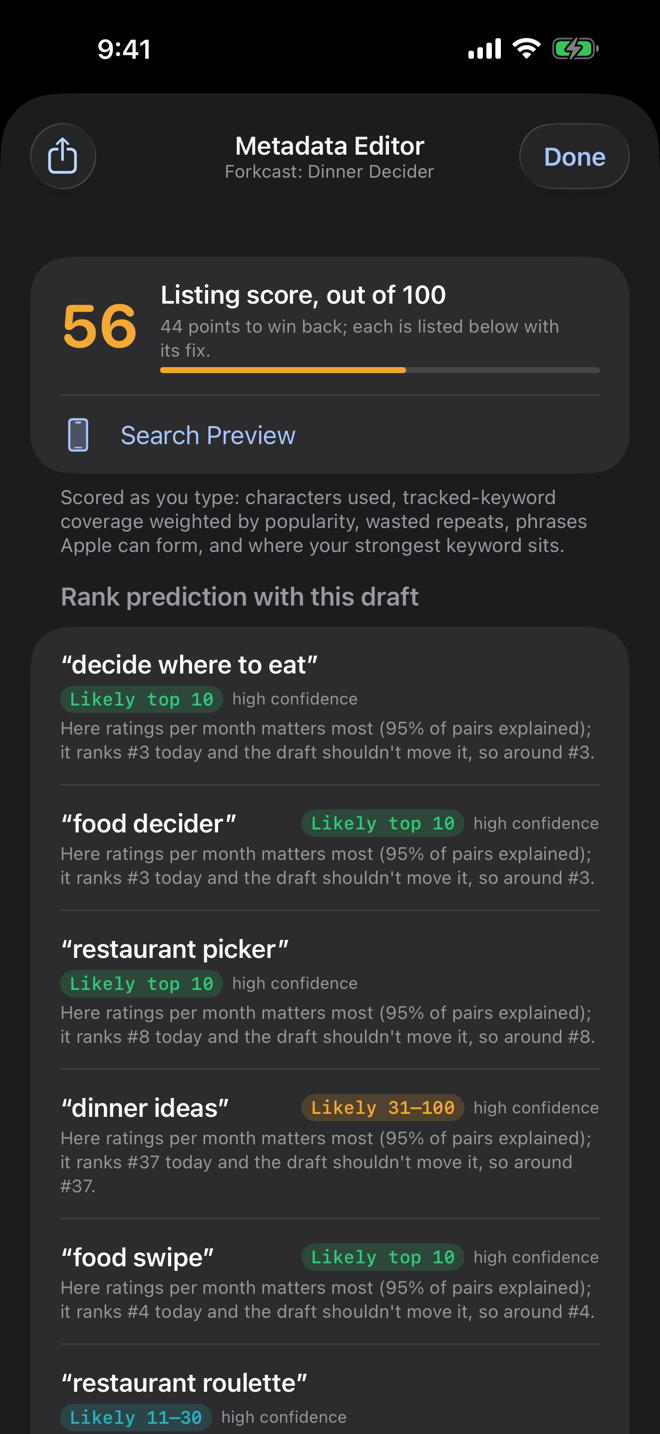
One score for your whole listing (search words, keyword field, description and screenshot captions), with each weak spot named.
Free score, fix list on Intelligence Engine
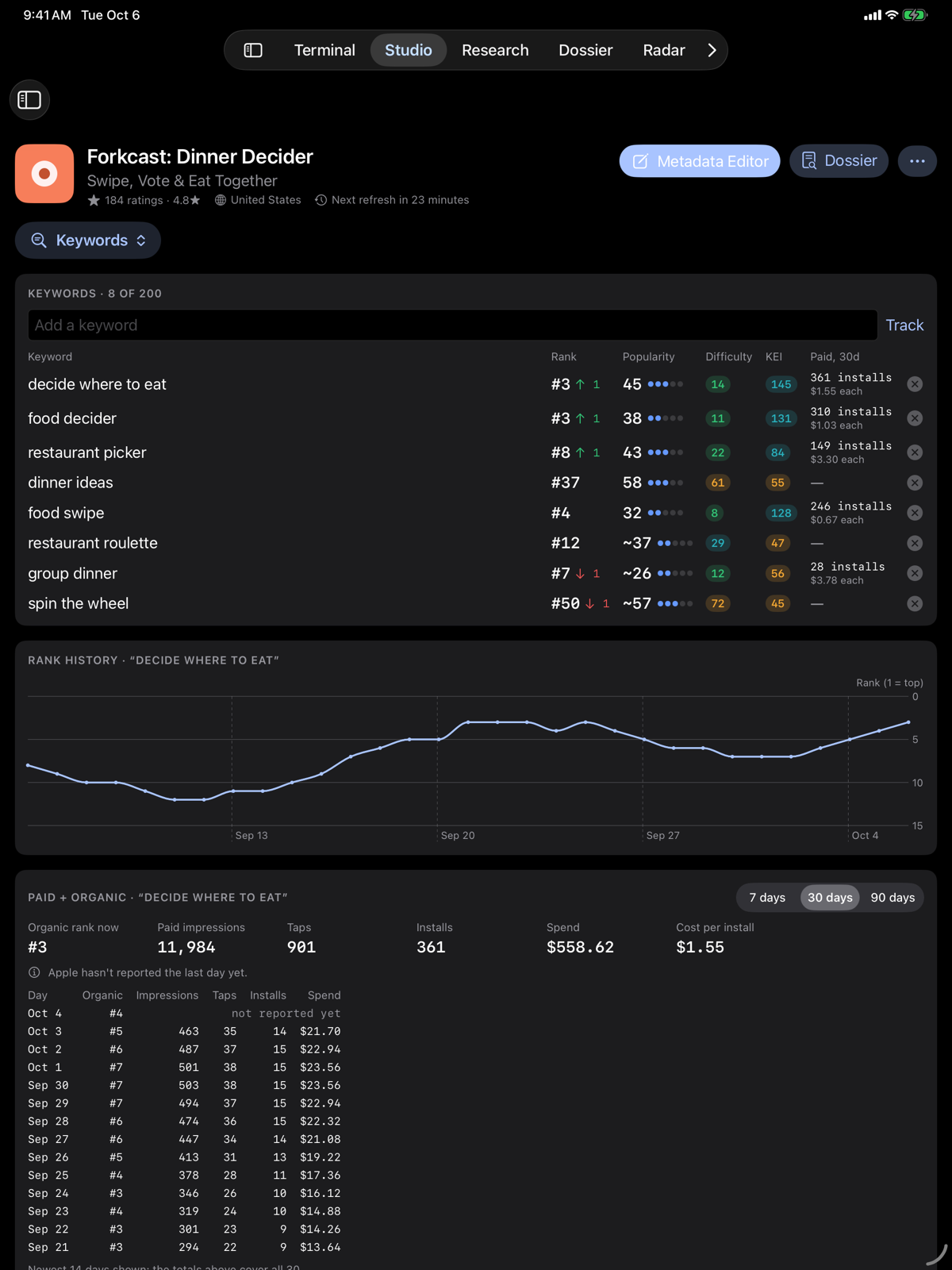
For a keyword you advertise on, an estimate of how many downloads came from Apple Ads and how many came from regular search.
Intelligence Engine
Every one of your apps on one screen: ratings, top-10 keywords, rank moves, to-dos, and which one needs a look first.
Free
Eight short lessons that teach App Store Optimization using your own app's numbers.
Free
Search any App Store keyword and see popularity, difficulty, opportunity and KEI in one glance.
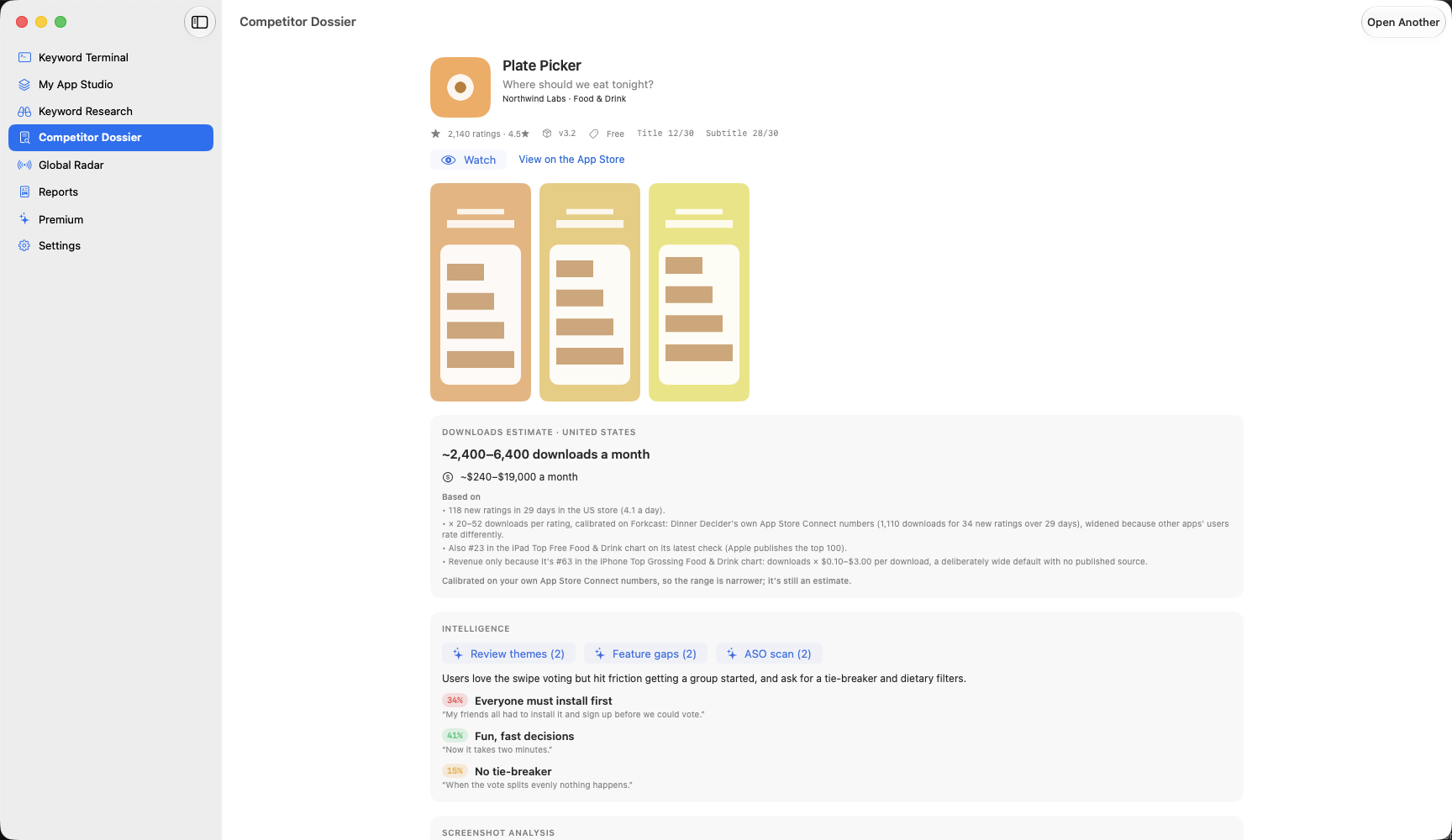
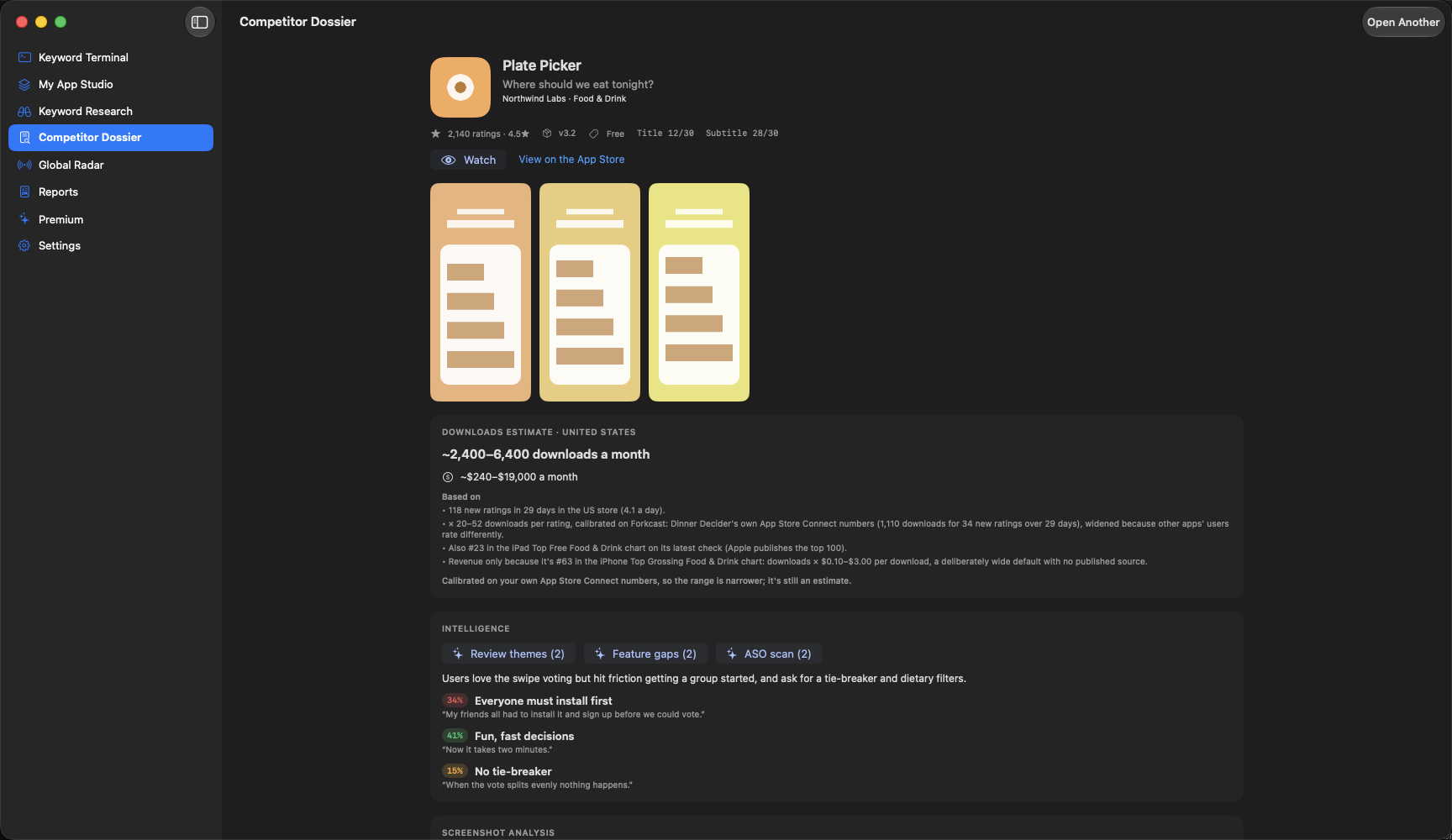
Open any rival: listing details, visuals, review themes, feature gaps and related-app networks.


Everything that moved since you last looked, with a morning brief at 8:00.
A real native app on every screen you work on. Your research stays on your own devices, and nothing is sent anywhere unless you ask for it.
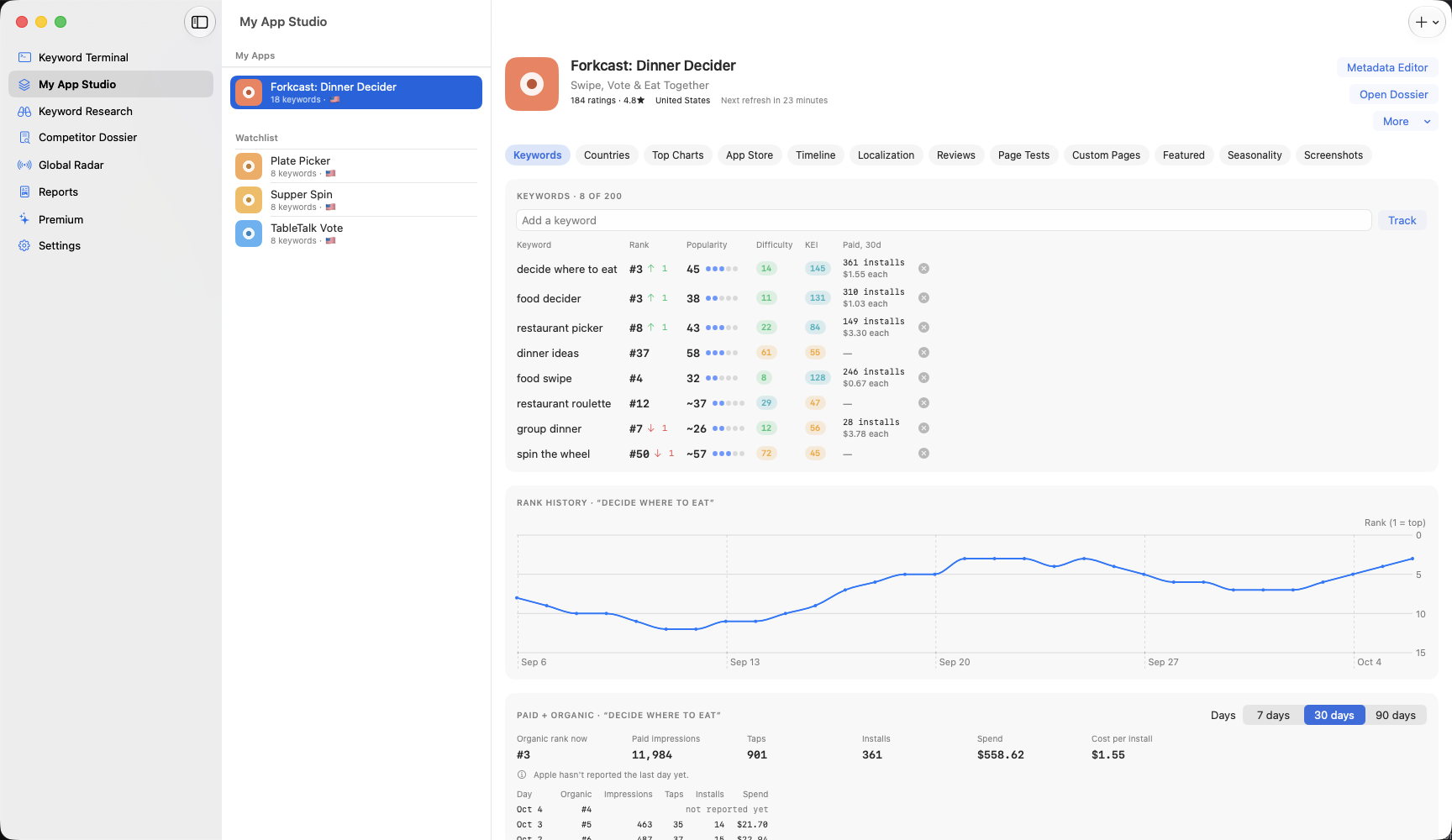
The Keyword Efficiency Index weighs demand against competition, so terms with strong demand and lower competition rise to the top, color-coded by opportunity.
KEI = popularity² ÷ difficulty


Read what frustrates users in competitor apps. ASO Intelligence groups reviews into themes and feature gaps, so you can build what their users keep asking for.
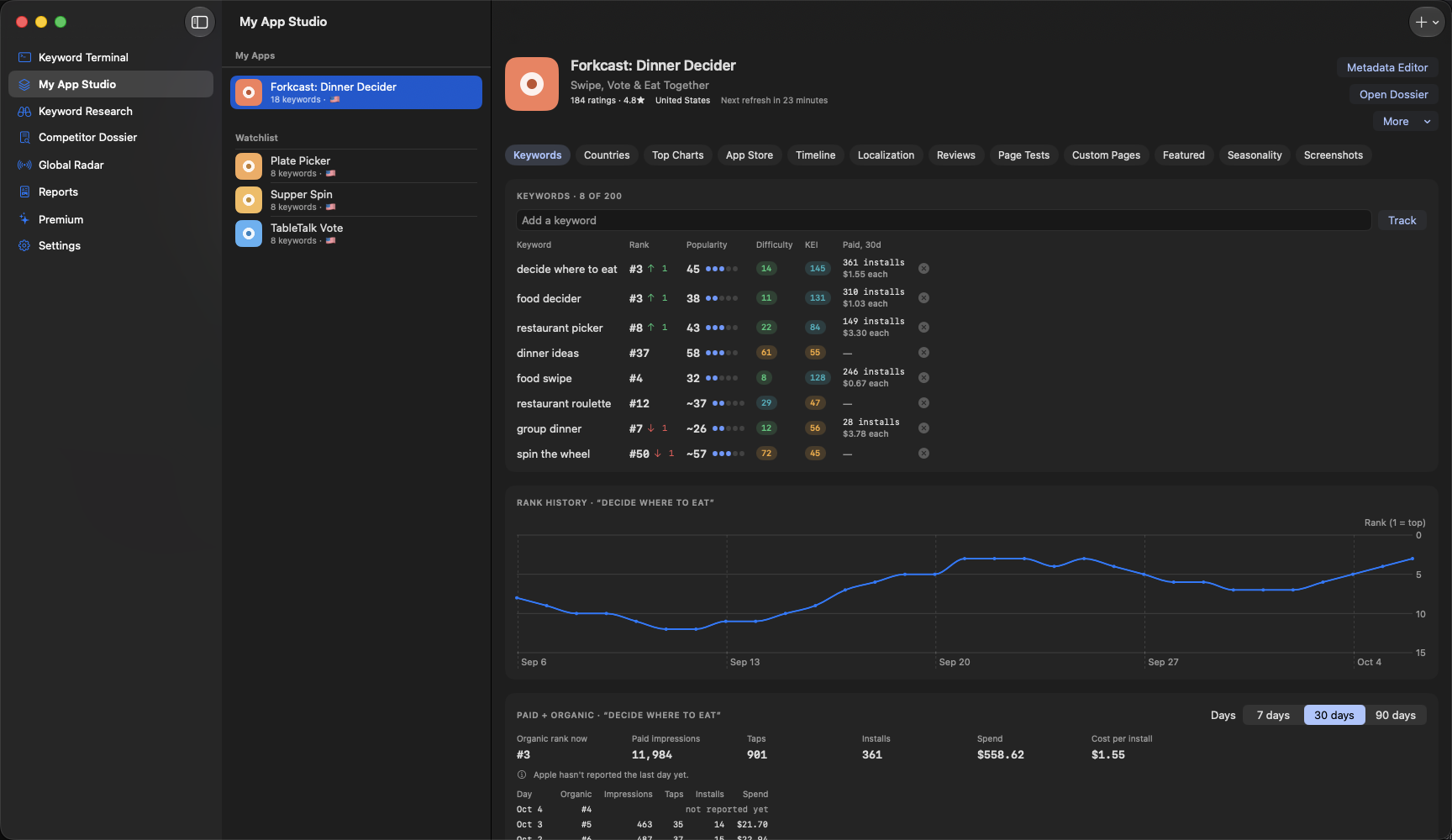
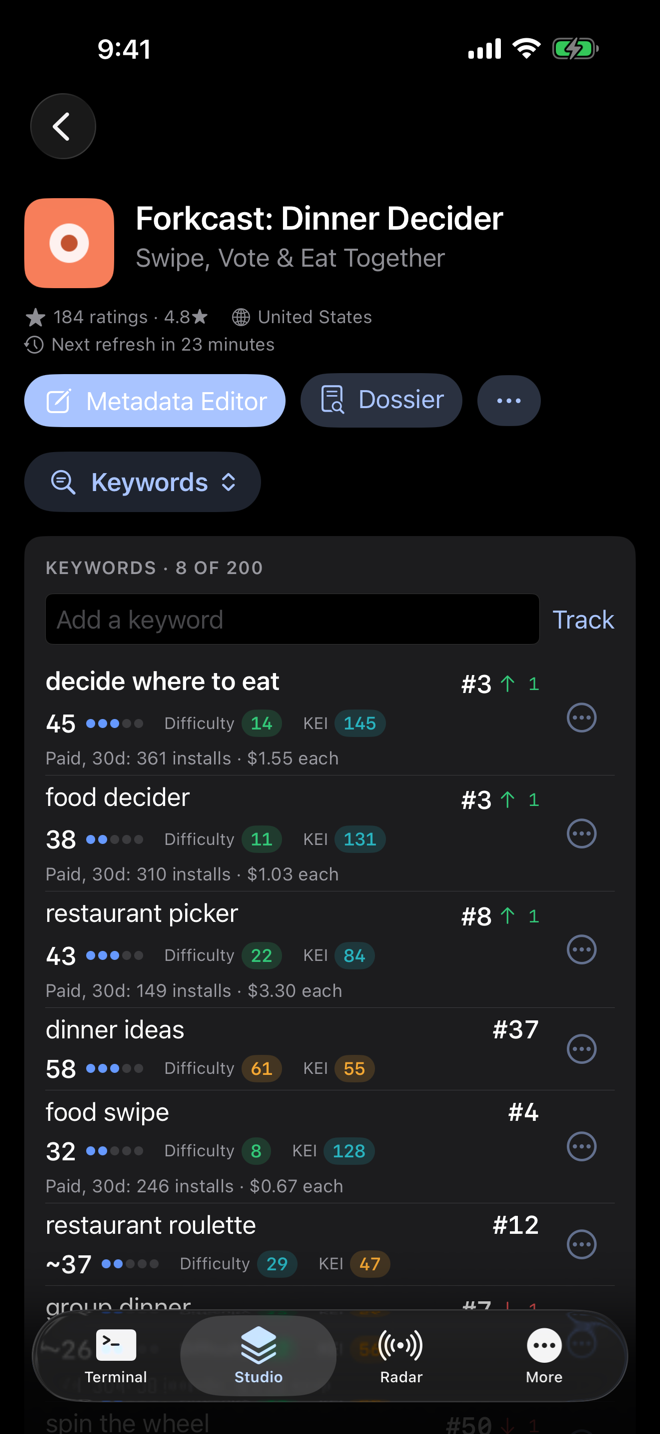
Everything for watching competitorsMy App Studio follows your ranks for every keyword you care about. Connect your own App Store Connect key and it adds your real impressions, conversion and downloads, your reviews, and a timeline of what changed after each listing update. The Metadata Editor scores your title and subtitle as you type and keeps every field inside Apple's limits.
Your App Store numbers

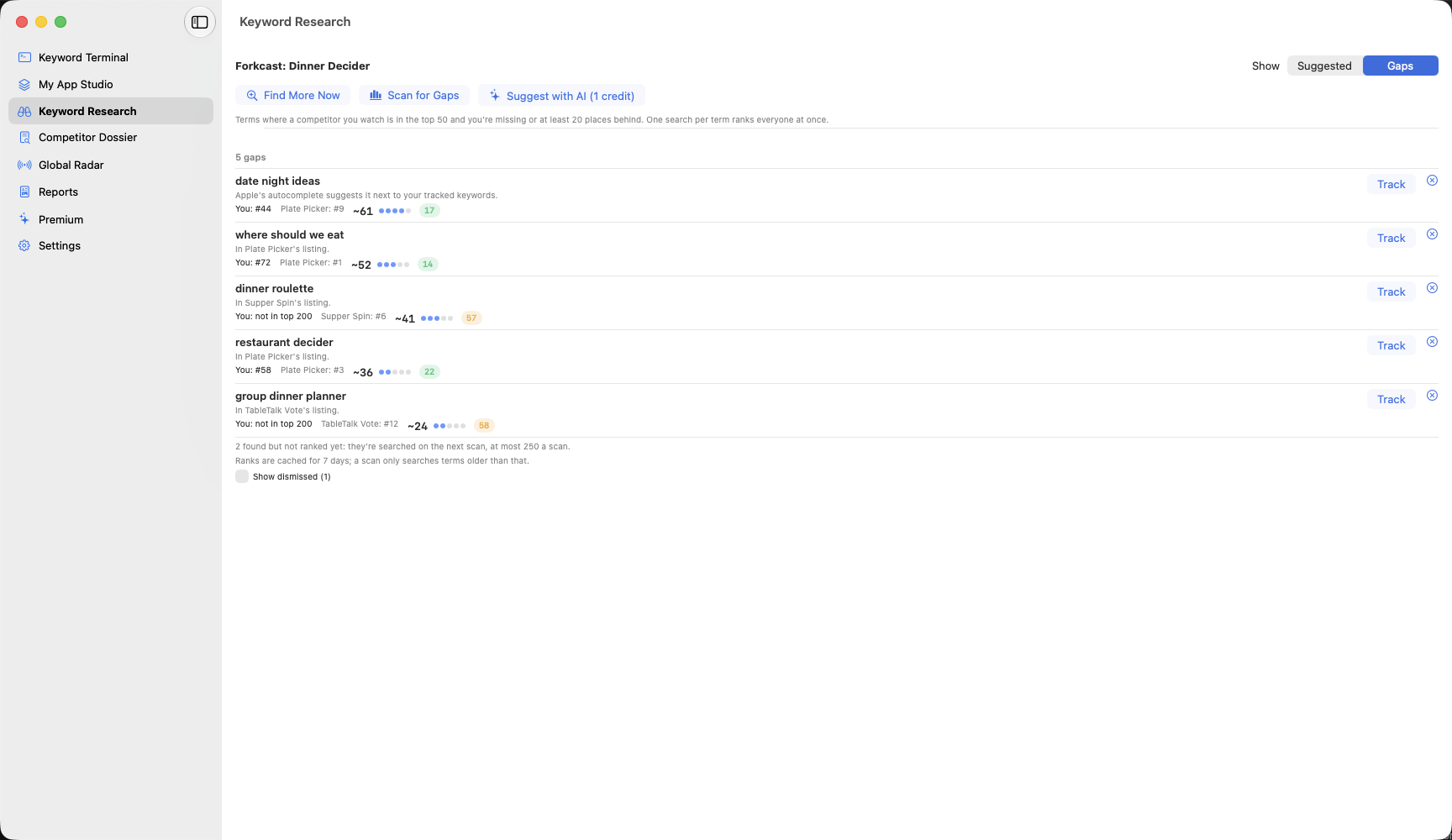
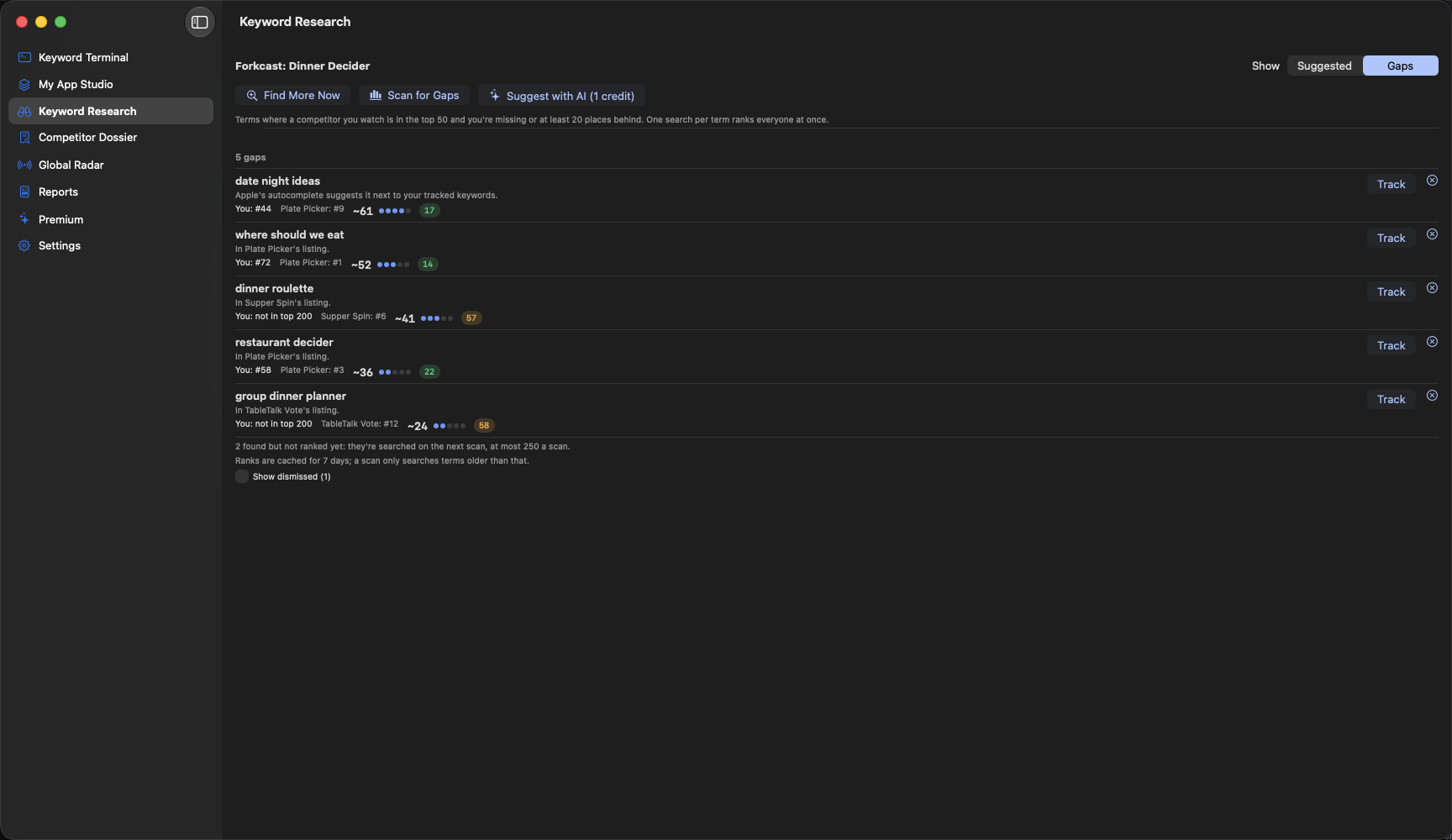
Keyword Research finds terms where a competitor you watch ranks in the top 50 and you don't, and suggests new ones from Apple's autocomplete and competitor listings, each with the reason it was picked. Recommended Keywords then turns it all into one short list, sorted into title, subtitle and keyword field.
Everything for keywords

Every feature, laid out for the screen in your hand. In Studio, one button opens a list of the app's sections. Swipe a suggested keyword to track or dismiss it, and pull down to refresh. On iPad, your apps sit beside the one you're working on, and ⌘1 to ⌘8 jump between sections, as on the Mac.


Two AI reports built from your real keyword data, reviews and competitors. Both export as Markdown and PDF, and every number in them comes from the app's own data.
Reports, teams and agenciesThe Core Tracker is free for good. The Intelligence Engine is $9.99 a month or $79.99 a year, and Agency, for people managing many apps, is $49.99 a month or $449.99 a year.